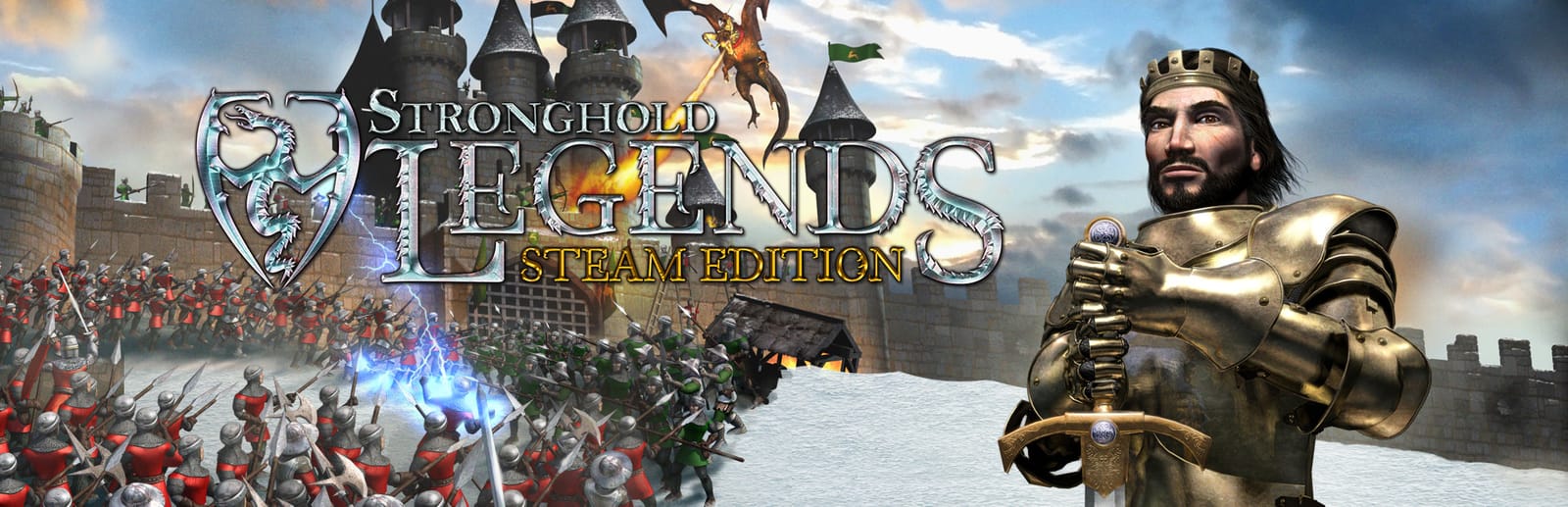
Stronghold Legends: Steam Edition Keyboard controls
- Windows
- 41 default keybinds
- Strategy →
- Stronghold collection →
Cover art © its publisher — for identification only. Cover © its publisher. Details
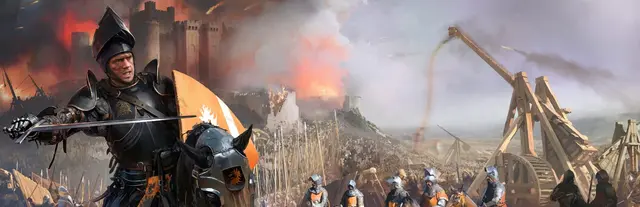
Stronghold Legends (2006) runs on the Stronghold 2 engine but swaps history for myth: King Arthur, Siegfried and Vlad Dracula, with dragons, giants and werewolves to recruit. The camera keys and wall keys carry over from Stronghold 2, but the Treasury and Monastery keys are gone and N opens the legendary troop panel instead. Units take orders on a right-click, and magic powers are aimed the same way.
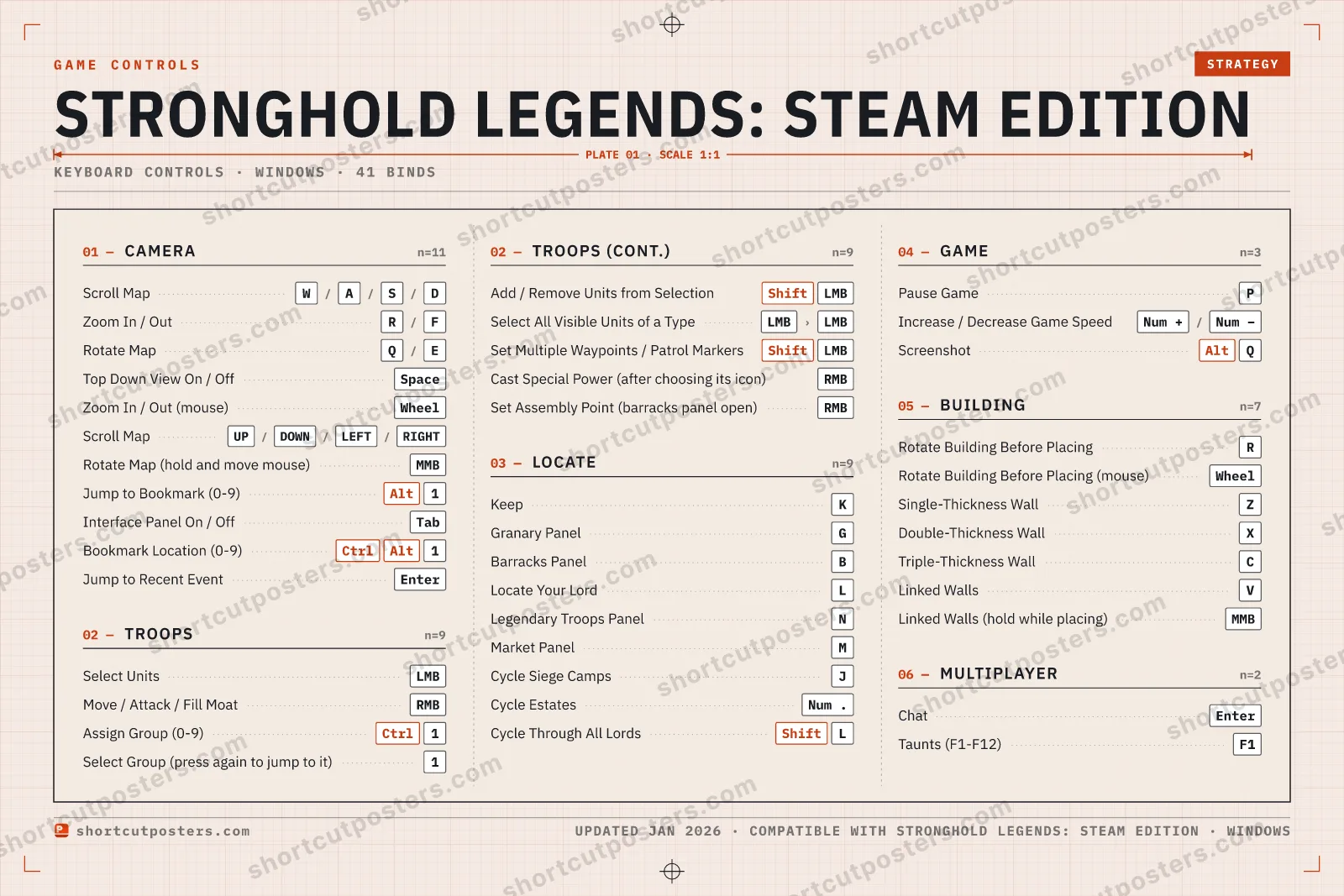
All Stronghold Legends: Steam Edition keyboard controls
41 shortcuts
Camera 11
| Action | Shortcut |
|---|---|
| Scroll Map | Wthen/thenAthen/thenSthen/thenD |
| Zoom In / Out | Rthen/thenF |
| Rotate Map | Qthen/thenE |
| Top Down View On / Off | Space |
| Zoom In / Out (mouse) | Wheel |
| Scroll Map (alternative) | UPthen/thenDOWNthen/thenLEFTthen/thenRIGHT |
| Rotate Map (hold and move mouse) | MMB |
| Jump to Bookmark (0-9) | Alt1 |
| Interface Panel On / Off | Tab |
| Bookmark Location (0-9) | CtrlAlt1 |
| Jump to Recent Event | Enter |
Locate 9
| Action | Shortcut |
|---|---|
| Keep | K |
| Granary Panel | G |
| Barracks Panel | B |
| Locate Your Lord | L |
| Legendary Troops Panel | N |
| Market Panel | M |
| Cycle Siege Camps | J |
| Cycle Estates | Num . |
| Cycle Through All Lords | ShiftL |
Troops 9
| Action | Shortcut |
|---|---|
| Select Units | LMB |
| Move / Attack / Fill Moat | RMB |
| Assign Group (0-9) | Ctrl1 |
| Select Group (press again to jump to it) | 1 |
| Add / Remove Units from Selection | ShiftLMB |
| Select All Visible Units of a Type | LMBthenLMB |
| Set Multiple Waypoints / Patrol Markers | ShiftLMB |
| Cast Special Power (after choosing its icon) | RMB |
| Set Assembly Point (barracks panel open) | RMB |
Building 7
| Action | Shortcut |
|---|---|
| Rotate Building Before Placing | R |
| Rotate Building Before Placing (mouse) | Wheel |
| Single-Thickness Wall | Z |
| Double-Thickness Wall | X |
| Triple-Thickness Wall | C |
| Linked Walls | V |
| Linked Walls (hold while placing) | MMB |
Game 3
| Action | Shortcut |
|---|---|
| Pause Game | P |
| Increase / Decrease Game Speed | Num +then/thenNum − |
| Screenshot | AltQ |
Multiplayer 2
| Action | Shortcut |
|---|---|
| Chat | Enter |
| Taunts (F1-F12) | F1 |
Sourced from store.steampowered.com, shared.fastly.steamstatic.com Last verified
+ 2 more controls in the table below
+ 2 more controls in the table below
41 default keybinds across 6 categories. Most can be reassigned in Stronghold Legends: Steam Edition's control settings.
Unofficial reference. ShortcutPosters is not affiliated with, endorsed by, or sponsored by Stronghold Legends: Steam Edition. All product names, logos, and trademarks are property of their respective owners. See our licensing & trademark notice.
Stronghold Legends: Steam Edition, framed.
Every bind, razor-sharp.
Print-ready 36×24″ at 300 DPI. No watermark. Hang it, gift it, or turn it into a desk mat.
- Free preview
- 1600 px · watermarked
- Print-ready
- 10 800 px · frame quality
- Frame it36×24″, A1 or A2
- Desk matany print shop
- Gift itfor your duo or squad
Stronghold Legends: Steam Edition controls — FAQ
- What are the default controls for Stronghold Legends: Steam Edition?
- Stronghold Legends: Steam Edition, a strategy game, uses 41 default keybinds across 6 categories. The complete, up-to-date list is free to read on this page.
- Can you remap Stronghold Legends: Steam Edition controls?
- Yes. These are the game's default bindings — nearly all of them can be reassigned from Stronghold Legends: Steam Edition's in-game control or key-binding settings.
- Which platforms do these Stronghold Legends: Steam Edition controls cover?
- These keyboard controls apply on Windows. Most bindings are identical across platforms unless noted.
- Is this an official Stronghold Legends: Steam Edition resource?
- No. This is an unofficial reference and is not affiliated with or endorsed by Stronghold Legends: Steam Edition or its publisher. All trademarks belong to their respective owners.
Thanks — your feedback helps us improve.
Stronghold collection
6 Stronghold games in the catalogue, every control scheme free to read.
See all 6 Stronghold games →