Stronghold: Definitive Edition Keyboard controls
- Windows
- 39 default keybinds
- Strategy →
- Stronghold collection →
Cover art © its publisher — for identification only. Cover © its publisher. Details
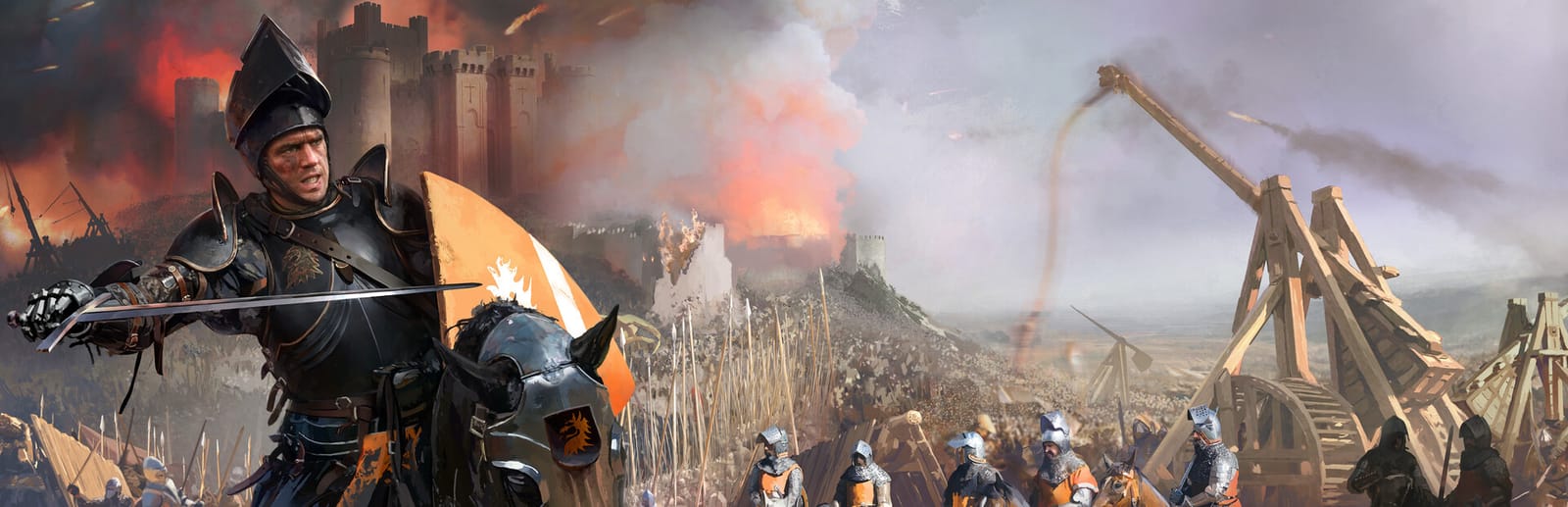
Stronghold: Definitive Edition is FireFly's 2023 rebuild of the 2001 castle-sim, and it lets you choose between the original controls and a modern RTS layout. Most hotkeys are the same either way. Where they differ, both are listed below, marked Modern or Classic.
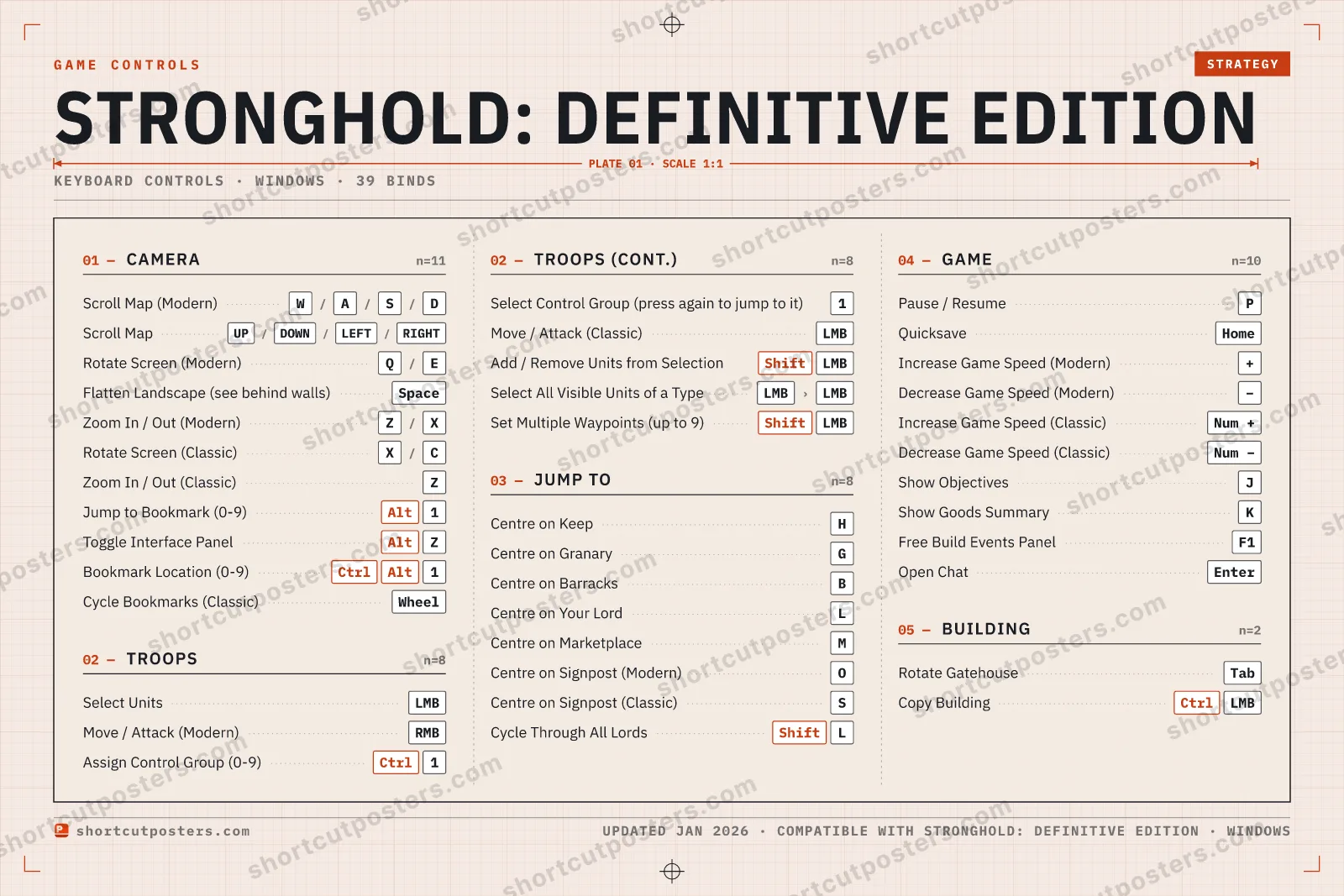
All Stronghold: Definitive Edition keyboard controls
39 shortcuts
Camera 11
| Action | Shortcut |
|---|---|
| Scroll Map (Modern) | Wthen/thenAthen/thenSthen/thenD |
| Scroll Map (both schemes) | UPthen/thenDOWNthen/thenLEFTthen/thenRIGHT |
| Rotate Screen (Modern) | Qthen/thenE |
| Flatten Landscape (see behind walls) | Space |
| Zoom In / Out (Modern) | Zthen/thenX |
| Rotate Screen (Classic) | Xthen/thenC |
| Zoom In / Out (Classic) | Z |
| Jump to Bookmark (0-9) | Alt1 |
| Toggle Interface Panel | AltZ |
| Bookmark Location (0-9) | CtrlAlt1 |
| Cycle Bookmarks (Classic) | Wheel |
Game 10
| Action | Shortcut |
|---|---|
| Pause / Resume | P |
| Quicksave | Home |
| Increase Game Speed (Modern) | + |
| Decrease Game Speed (Modern) | − |
| Increase Game Speed (Classic) | Num + |
| Decrease Game Speed (Classic) | Num − |
| Show Objectives | J |
| Show Goods Summary | K |
| Free Build Events Panel | F1 |
| Open Chat | Enter |
Jump To 8
| Action | Shortcut |
|---|---|
| Centre on Keep | H |
| Centre on Granary | G |
| Centre on Barracks | B |
| Centre on Your Lord | L |
| Centre on Marketplace | M |
| Centre on Signpost (Modern) | O |
| Centre on Signpost (Classic) | S |
| Cycle Through All Lords | ShiftL |
Troops 8
| Action | Shortcut |
|---|---|
| Select Units | LMB |
| Move / Attack (Modern) | RMB |
| Assign Control Group (0-9) | Ctrl1 |
| Select Control Group (press again to jump to it) | 1 |
| Move / Attack (Classic) | LMB |
| Add / Remove Units from Selection | ShiftLMB |
| Select All Visible Units of a Type | LMBthenLMB |
| Set Multiple Waypoints (up to 9) | ShiftLMB |
Building 2
| Action | Shortcut |
|---|---|
| Rotate Gatehouse | Tab |
| Copy Building (place another of the same) | CtrlLMB |
Sourced from store.steampowered.com, shared.fastly.steamstatic.com Last verified
+ 4 more controls in the table below
+ 4 more controls in the table below
39 default keybinds across 5 categories. Most can be reassigned in Stronghold: Definitive Edition's control settings.
Unofficial reference. ShortcutPosters is not affiliated with, endorsed by, or sponsored by Stronghold: Definitive Edition. All product names, logos, and trademarks are property of their respective owners. See our licensing & trademark notice.
Stronghold: Definitive Edition, framed.
Every bind, razor-sharp.
Print-ready 36×24″ at 300 DPI. No watermark. Hang it, gift it, or turn it into a desk mat.
- Free preview
- 1600 px · watermarked
- Print-ready
- 10 800 px · frame quality
- Frame it36×24″, A1 or A2
- Desk matany print shop
- Gift itfor your duo or squad
Stronghold: Definitive Edition controls — FAQ
- What are the default controls for Stronghold: Definitive Edition?
- Stronghold: Definitive Edition, a strategy game, uses 39 default keybinds across 5 categories. The complete, up-to-date list is free to read on this page.
- Can you remap Stronghold: Definitive Edition controls?
- Yes. These are the game's default bindings — nearly all of them can be reassigned from Stronghold: Definitive Edition's in-game control or key-binding settings.
- Which platforms do these Stronghold: Definitive Edition controls cover?
- These keyboard controls apply on Windows. Most bindings are identical across platforms unless noted.
- Is this an official Stronghold: Definitive Edition resource?
- No. This is an unofficial reference and is not affiliated with or endorsed by Stronghold: Definitive Edition or its publisher. All trademarks belong to their respective owners.
Thanks — your feedback helps us improve.
Stronghold collection
6 Stronghold games in the catalogue, every control scheme free to read.
See all 6 Stronghold games →