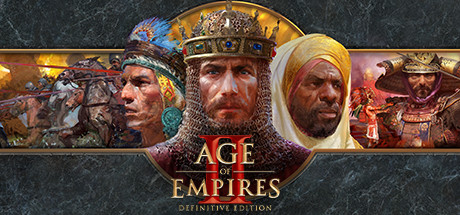
Age of Empires II: Definitive Edition Keyboard controls
- Windows
- 38 default keybinds
- Strategy →
- Age of Empires collection →
Cover art © its publisher — for identification only. Cover © its publisher. Details
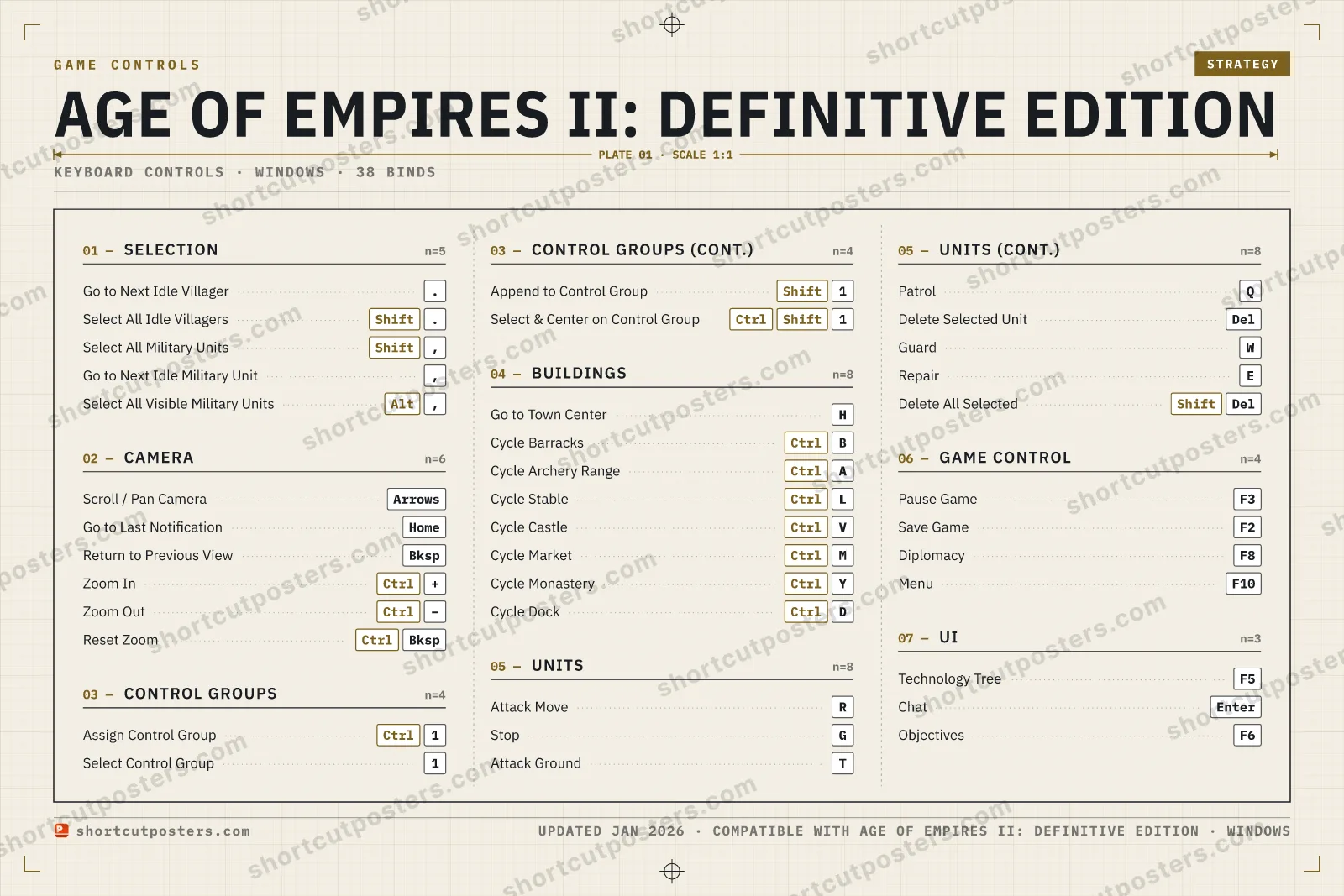
A reference to the default PC keyboard and mouse hotkeys for Age of Empires II: Definitive Edition. Covers camera control, unit and idle-villager selection, control groups, building navigation, and core RTS commands so you can manage your economy and armies faster.
All Age of Empires II: Definitive Edition keyboard controls
38 shortcuts
Buildings 8
| Action | Shortcut |
|---|---|
| Go to Town Center | H |
| Cycle Barracks | CtrlB |
| Cycle Archery Range | CtrlA |
| Cycle Stable | CtrlL |
| Cycle Castle | CtrlV |
| Cycle Market | CtrlM |
| Cycle Monastery | CtrlY |
| Cycle Dock | CtrlD |
Units 8
| Action | Shortcut |
|---|---|
| Attack Move | R |
| Stop | G |
| Attack Ground | T |
| Patrol | Q |
| Delete Selected Unit | Del |
| Guard | W |
| Repair | E |
| Delete All Selected | ShiftDel |
Camera 6
| Action | Shortcut |
|---|---|
| Scroll / Pan Camera | Arrows |
| Go to Last Notification | Home |
| Return to Previous View | Bksp |
| Zoom In | Ctrl+ |
| Zoom Out | Ctrl− |
| Reset Zoom | CtrlBksp |
Selection 5
| Action | Shortcut |
|---|---|
| Go to Next Idle Villager | . |
| Select All Idle Villagers | Shift. |
| Select All Military Units | Shift, |
| Go to Next Idle Military Unit | , |
| Select All Visible Military Units | Alt, |
Control Groups 4
| Action | Shortcut |
|---|---|
| Assign Control Group | Ctrl1 |
| Select Control Group | 1 |
| Append to Control Group | Shift1 |
| Select & Center on Control Group | CtrlShift1 |
Game Control 4
| Action | Shortcut |
|---|---|
| Pause Game | F3 |
| Save Game | F2 |
| Diplomacy | F8 |
| Menu | F10 |
UI 3
| Action | Shortcut |
|---|---|
| Technology Tree | F5 |
| Chat | Enter |
| Objectives | F6 |
Sourced from keycombiner.com, ageofnotes.com, diamondlobby.com, ageofempires.fandom.com, ageofempires.com Last verified
+ 5 more controls in the table below
+ 5 more controls in the table below
38 default keybinds across 7 categories. Most can be reassigned in Age of Empires II: Definitive Edition's control settings.
Unofficial reference. ShortcutPosters is not affiliated with, endorsed by, or sponsored by Age of Empires II: Definitive Edition. All product names, logos, and trademarks are property of their respective owners. See our licensing & trademark notice.
Age of Empires II: Definitive Edition, framed.
Every bind, razor-sharp.
Print-ready 36×24″ at 300 DPI. No watermark. Hang it, gift it, or turn it into a desk mat.
- Free preview
- 1600 px · watermarked
- Print-ready
- 10 800 px · frame quality
- Frame it36×24″, A1 or A2
- Desk matany print shop
- Gift itfor your duo or squad
These shortcuts, on physical keys
There is a Stream Deck profile for Age of Empires II: Definitive Edition — 75 shortcuts laid out across the keys, each one labelled, installed by double-clicking a file. It fits every current Stream Deck model.
Get the Age of Empires II: Definitive Edition Stream Deck profile →
Age of Empires II: Definitive Edition controls — FAQ
- What are the default controls for Age of Empires II: Definitive Edition?
- Age of Empires II: Definitive Edition, a strategy game, uses 38 default keybinds across 7 categories. The complete, up-to-date list is free to read on this page.
- Can you remap Age of Empires II: Definitive Edition controls?
- Yes. These are the game's default bindings — nearly all of them can be reassigned from Age of Empires II: Definitive Edition's in-game control or key-binding settings.
- Which platforms do these Age of Empires II: Definitive Edition controls cover?
- These keyboard controls apply on Windows. Most bindings are identical across platforms unless noted.
- Is this an official Age of Empires II: Definitive Edition resource?
- No. This is an unofficial reference and is not affiliated with or endorsed by Age of Empires II: Definitive Edition or its publisher. All trademarks belong to their respective owners.
Thanks — your feedback helps us improve.
Age of Empires collection
4 Age of Empires games in the catalogue, every control scheme free to read.
See all 4 Age of Empires games →