Torchlight Keyboard controls
- Windows · Mac
- 30 default keybinds
- RPG →
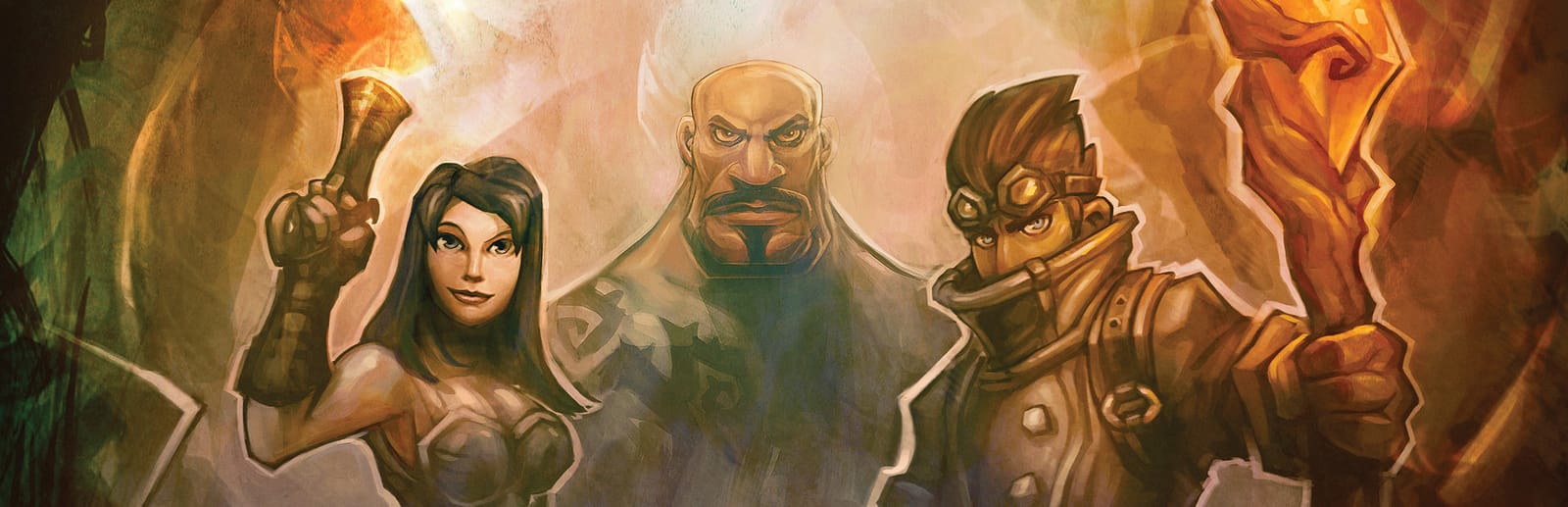
Cover art © its publisher — for identification only. Cover © its publisher. Details
Torchlight is Runic Games' 2009 action RPG, a click-to-fight dungeon crawl through the mines beneath a frontier town, with a pet that fights beside you and ferries loot back to the shops. The mouse does the moving and fighting; the keyboard fires the ten hotbar slots and opens each menu with a single letter.
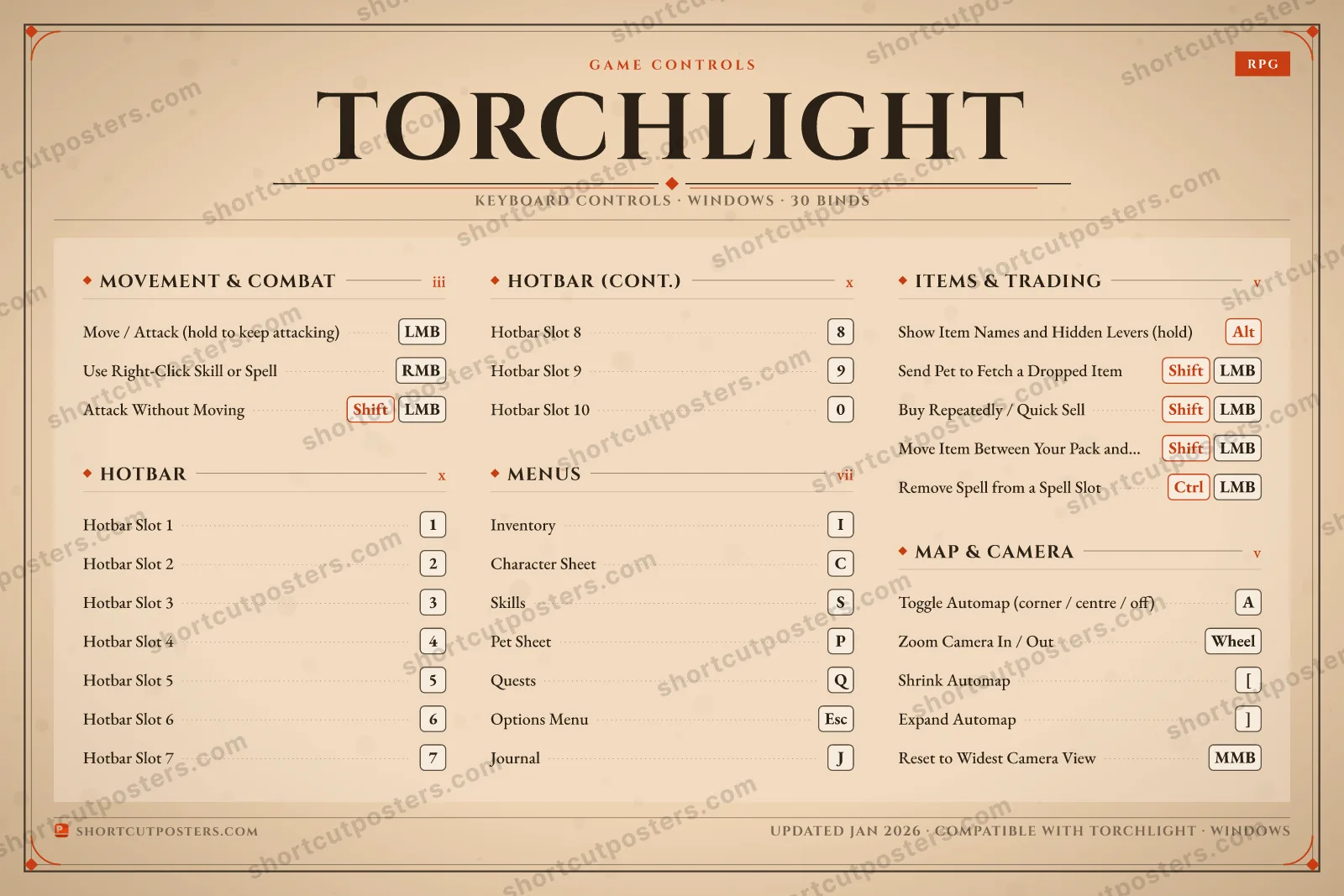
All Torchlight keyboard controls
30 shortcuts
Hotbar 10
| Action | Shortcut |
|---|---|
| Hotbar Slot 1 | 1 |
| Hotbar Slot 2 | 2 |
| Hotbar Slot 3 | 3 |
| Hotbar Slot 4 | 4 |
| Hotbar Slot 5 | 5 |
| Hotbar Slot 6 | 6 |
| Hotbar Slot 7 | 7 |
| Hotbar Slot 8 | 8 |
| Hotbar Slot 9 | 9 |
| Hotbar Slot 10 | 0 |
Menus 7
| Action | Shortcut |
|---|---|
| Inventory | I |
| Character Sheet | C |
| Skills | S |
| Pet Sheet | P |
| Quests | Q |
| Options Menu | Esc |
| Journal | J |
Map & Camera 5
| Action | Shortcut |
|---|---|
| Toggle Automap (corner / centre / off) | A |
| Zoom Camera In / Out | Wheel |
| Shrink Automap | [ |
| Expand Automap | ] |
| Reset to Widest Camera View | MMB |
Items & Trading 5
| Action | Shortcut |
|---|---|
| Show Item Names and Hidden Levers (hold) | Alt |
| Send Pet to Fetch a Dropped Item | ShiftLMB |
| Buy Repeatedly / Quick Sell (at a merchant) | ShiftLMB |
| Move Item Between Your Pack and Pet's Pack (both open) | ShiftLMB |
| Remove Spell from a Spell Slot | CtrlLMB |
Movement & Combat 3
| Action | Shortcut |
|---|---|
| Move / Attack (hold to keep attacking) | LMB |
| Use Right-Click Skill or Spell | RMB |
| Attack Without Moving (stand and shoot) | ShiftLMB |
Sourced from shared.fastly.steamstatic.com Last verified
+ 2 more controls in the table below
+ 2 more controls in the table below
30 default keybinds across 5 categories. Most can be reassigned in Torchlight's control settings.
Unofficial reference. ShortcutPosters is not affiliated with, endorsed by, or sponsored by Torchlight. All product names, logos, and trademarks are property of their respective owners. See our licensing & trademark notice.
Torchlight, framed.
Every bind, razor-sharp.
Print-ready 36×24″ at 300 DPI. No watermark. Hang it, gift it, or turn it into a desk mat.
- Free preview
- 1600 px · watermarked
- Print-ready
- 10 800 px · frame quality
- Frame it36×24″, A1 or A2
- Desk matany print shop
- Gift itfor your duo or squad
Torchlight controls — FAQ
- What are the default controls for Torchlight?
- Torchlight, a rpg game, uses 30 default keybinds across 5 categories. The complete, up-to-date list is free to read on this page.
- Can you remap Torchlight controls?
- Yes. These are the game's default bindings — nearly all of them can be reassigned from Torchlight's in-game control or key-binding settings.
- Which platforms do these Torchlight controls cover?
- These keyboard controls apply on Windows and Mac. Most bindings are identical across platforms unless noted.
- Is this an official Torchlight resource?
- No. This is an unofficial reference and is not affiliated with or endorsed by Torchlight or its publisher. All trademarks belong to their respective owners.
Thanks — your feedback helps us improve.