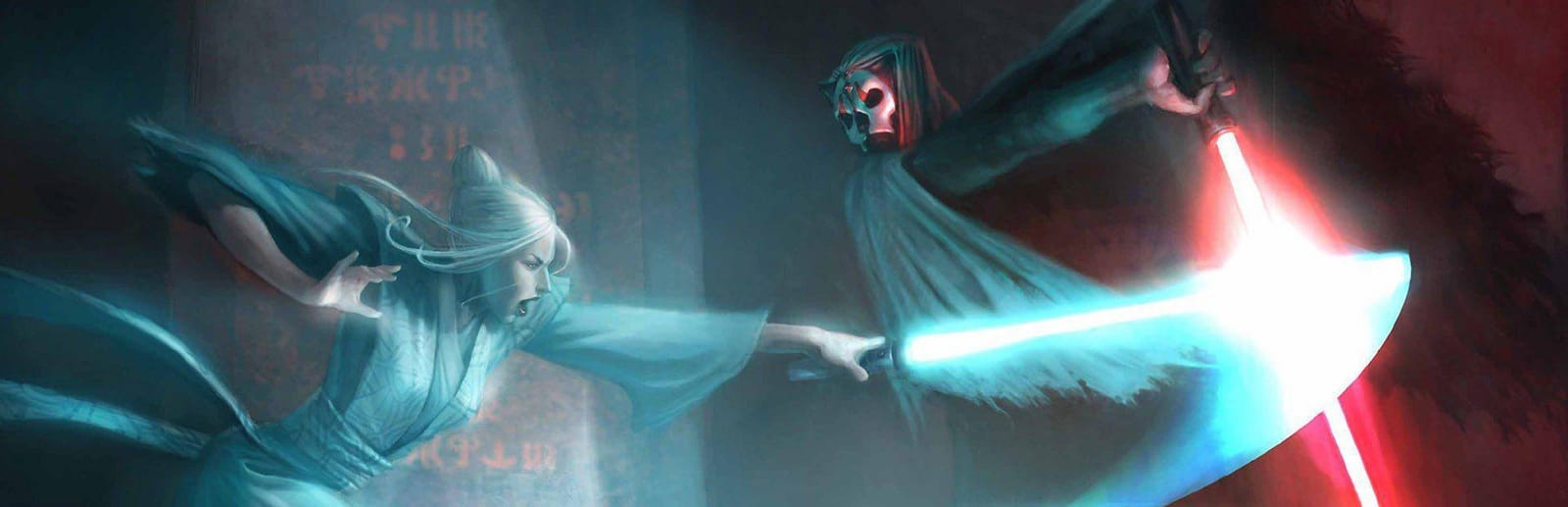
Star Wars: Knights of the Old Republic II - The Sith Lords Keyboard controls
- Windows · Mac · Linux
- 45 default keybinds
- RPG →
- Star Wars collection →
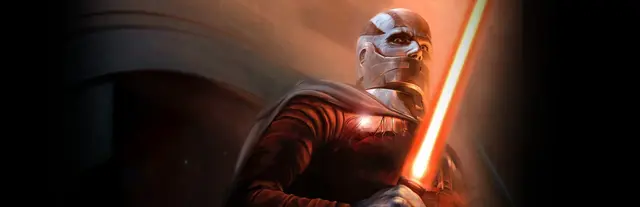
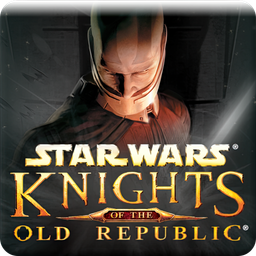
Cover art © its publisher — for identification only. Cover © its publisher. Details
Obsidian's sequel keeps BioWare's pausable real-time scheme and adds two hot keys the first game did not have — Behaviour Stance on 8 and Lightsaber Form on 9. LucasArts' manual for The Sith Lords is the source below.
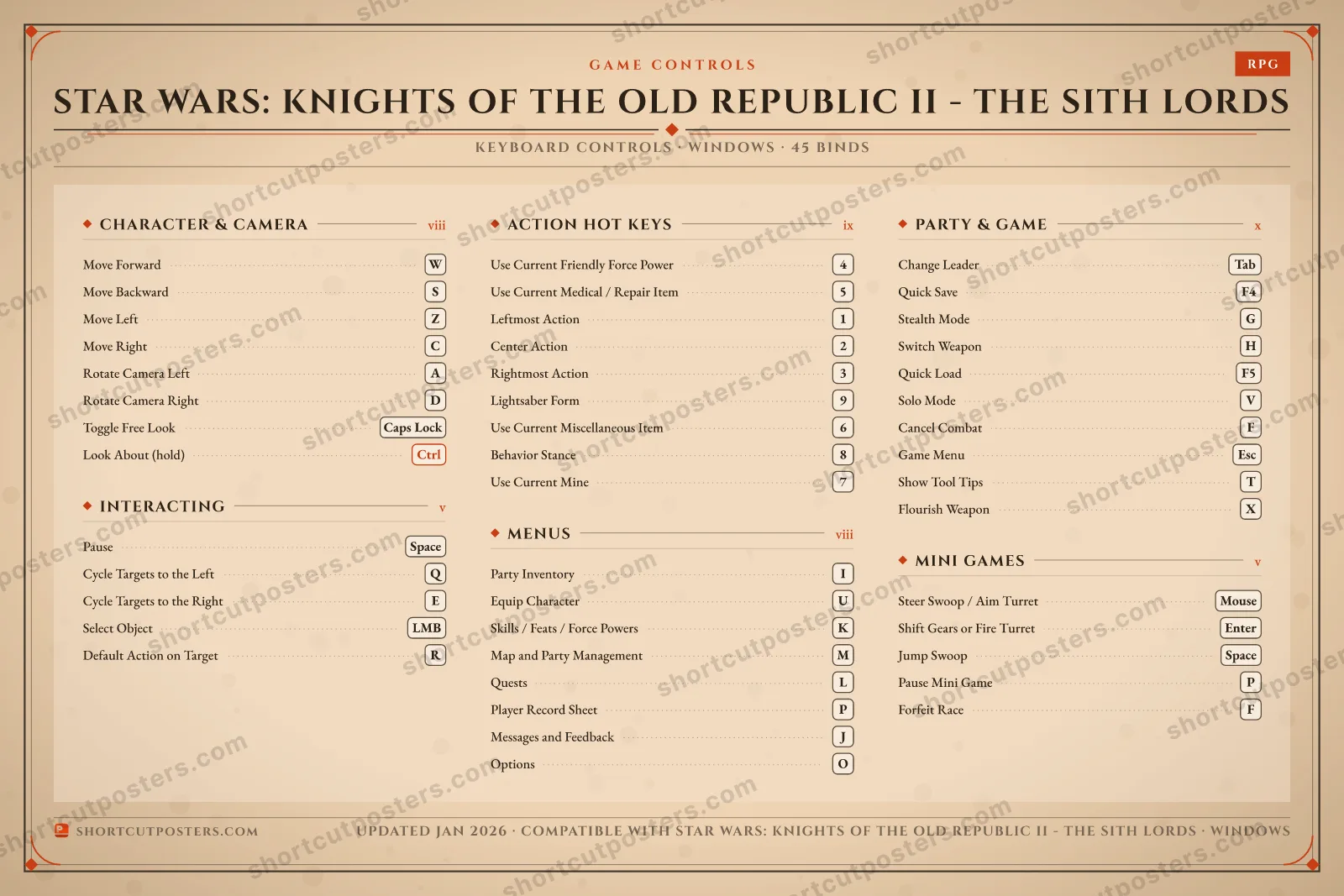
All Star Wars: Knights of the Old Republic II - The Sith Lords keyboard controls
45 shortcuts
Party & Game 10
| Action | Shortcut |
|---|---|
| Change Leader | Tab |
| Quick Save | F4 |
| Stealth Mode | G |
| Switch Weapon | H |
| Quick Load | F5 |
| Solo Mode | V |
| Cancel Combat | F |
| Game Menu | Esc |
| Show Tool Tips | T |
| Flourish Weapon | X |
Action Hot Keys 9
| Action | Shortcut |
|---|---|
| Use Current Friendly Force Power | 4 |
| Use Current Medical / Repair Item | 5 |
| Leftmost Action | 1 |
| Center Action | 2 |
| Rightmost Action | 3 |
| Lightsaber Form | 9 |
| Use Current Miscellaneous Item | 6 |
| Behavior Stance | 8 |
| Use Current Mine | 7 |
Character & Camera 8
| Action | Shortcut |
|---|---|
| Move Forward | W |
| Move Backward | S |
| Move Left | Z |
| Move Right | C |
| Rotate Camera Left | A |
| Rotate Camera Right | D |
| Toggle Free Look | Caps Lock |
| Look About (hold) | Ctrl |
Menus 8
| Action | Shortcut |
|---|---|
| Party Inventory | I |
| Equip Character | U |
| Skills / Feats / Force Powers | K |
| Map and Party Management | M |
| Quests | L |
| Player Record Sheet | P |
| Messages and Feedback | J |
| Options | O |
Interacting 5
| Action | Shortcut |
|---|---|
| Pause | Space |
| Cycle Targets to the Left | Q |
| Cycle Targets to the Right | E |
| Select Object | LMB |
| Default Action on Target | R |
Mini Games 5
| Action | Shortcut |
|---|---|
| Steer Swoop / Aim Turret | Mouse |
| Shift Gears or Fire Turret | Enter |
| Jump Swoop | Space |
| Pause Mini Game | P |
| Forfeit Race | F |
Sourced from store.steampowered.com, shared.fastly.steamstatic.com Last verified
+ 1 more control in the table below
+ 1 more control in the table below
45 default keybinds across 6 categories. Most can be reassigned in Star Wars: Knights of the Old Republic II - The Sith Lords's control settings.
Unofficial reference. ShortcutPosters is not affiliated with, endorsed by, or sponsored by Star Wars: Knights of the Old Republic II - The Sith Lords. All product names, logos, and trademarks are property of their respective owners. See our licensing & trademark notice.
Star Wars: Knights of the Old Republic II - The Sith Lords, framed.
Every bind, razor-sharp.
Print-ready 36×24″ at 300 DPI. No watermark. Hang it, gift it, or turn it into a desk mat.
- Free preview
- 1600 px · watermarked
- Print-ready
- 10 800 px · frame quality
- Frame it36×24″, A1 or A2
- Desk matany print shop
- Gift itfor your duo or squad
Star Wars: Knights of the Old Republic II - The Sith Lords controls — FAQ
- What are the default controls for Star Wars: Knights of the Old Republic II - The Sith Lords?
- Star Wars: Knights of the Old Republic II - The Sith Lords, a rpg game, uses 45 default keybinds across 6 categories. The complete, up-to-date list is free to read on this page.
- Can you remap Star Wars: Knights of the Old Republic II - The Sith Lords controls?
- Yes. These are the game's default bindings — nearly all of them can be reassigned from Star Wars: Knights of the Old Republic II - The Sith Lords's in-game control or key-binding settings.
- Which platforms do these Star Wars: Knights of the Old Republic II - The Sith Lords controls cover?
- These keyboard controls apply on Windows and Mac and Linux. Most bindings are identical across platforms unless noted.
- Is this an official Star Wars: Knights of the Old Republic II - The Sith Lords resource?
- No. This is an unofficial reference and is not affiliated with or endorsed by Star Wars: Knights of the Old Republic II - The Sith Lords or its publisher. All trademarks belong to their respective owners.
Thanks — your feedback helps us improve.
Star Wars collection
16 Star Wars games in the catalogue, every control scheme free to read.
See all 16 Star Wars games →