Elite Dangerous Keyboard controls
- Windows
- 39 default keybinds
- Simulation →
Cover art © its publisher — for identification only. Cover © its publisher. Details
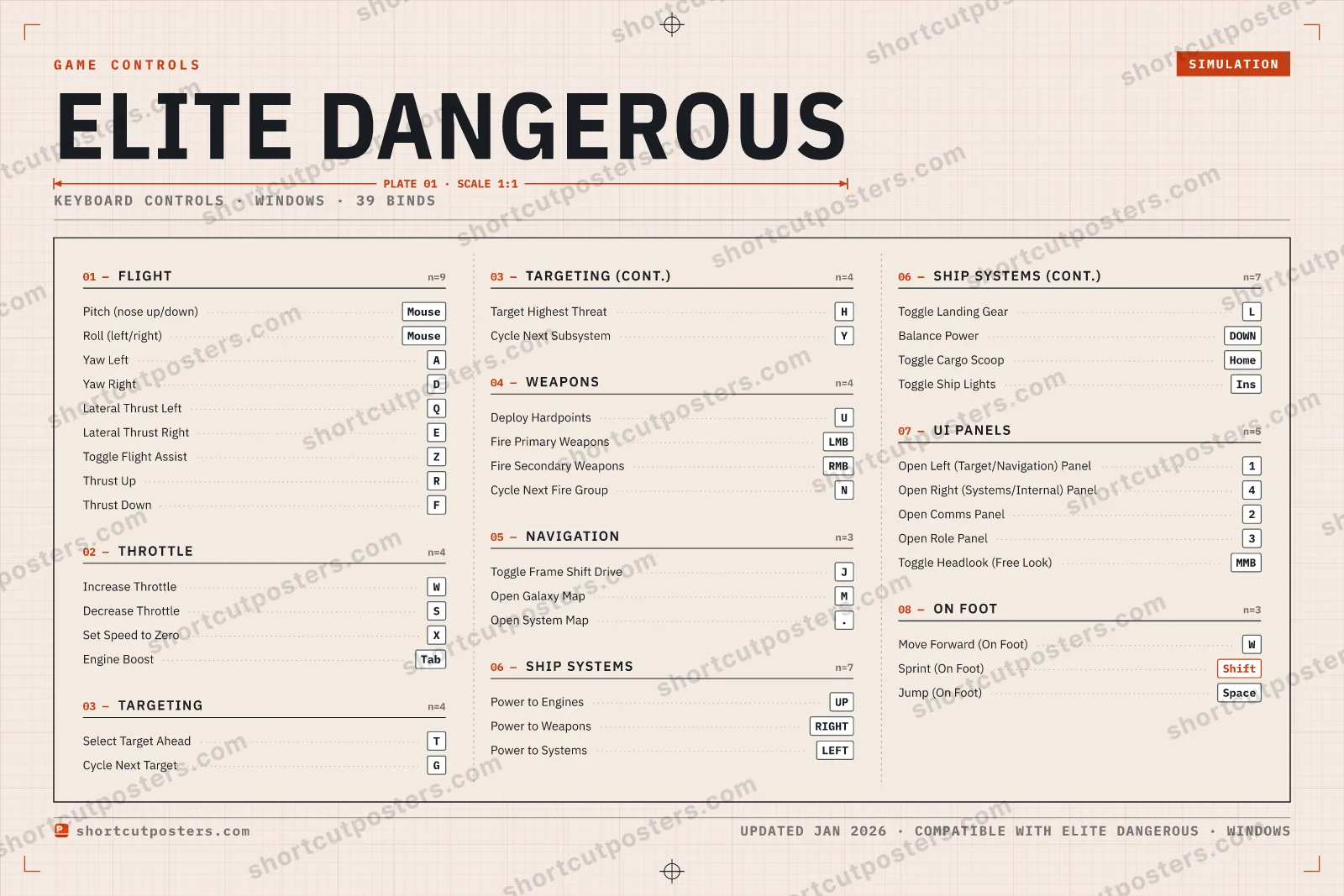
A reference to the default keyboard-and-mouse controls for Elite Dangerous, Frontier Developments' open-world space simulator. Covers ship flight (pitch, roll, yaw and thrusters), throttle, targeting and weapons, the Frame Shift Drive, ship systems, the four UI panels, and basic on-foot movement.
All Elite Dangerous keyboard controls
39 shortcuts
Flight 9
| Action | Shortcut |
|---|---|
| Pitch (nose up/down) | Mouse |
| Roll (left/right) | Mouse |
| Yaw Left | A |
| Yaw Right | D |
| Lateral Thrust Left | Q |
| Lateral Thrust Right | E |
| Toggle Flight Assist | Z |
| Thrust Up | R |
| Thrust Down | F |
Ship Systems 7
| Action | Shortcut |
|---|---|
| Power to Engines | UP |
| Power to Weapons | RIGHT |
| Power to Systems | LEFT |
| Toggle Landing Gear | L |
| Balance Power | DOWN |
| Toggle Cargo Scoop | Home |
| Toggle Ship Lights | Ins |
UI Panels 5
| Action | Shortcut |
|---|---|
| Open Left (Target/Navigation) Panel | 1 |
| Open Right (Systems/Internal) Panel | 4 |
| Open Comms Panel | 2 |
| Open Role Panel | 3 |
| Toggle Headlook (Free Look) | MMB |
Throttle 4
| Action | Shortcut |
|---|---|
| Increase Throttle | W |
| Decrease Throttle | S |
| Set Speed to Zero | X |
| Engine Boost | Tab |
Targeting 4
| Action | Shortcut |
|---|---|
| Select Target Ahead | T |
| Cycle Next Target | G |
| Target Highest Threat | H |
| Cycle Next Subsystem | Y |
Weapons 4
| Action | Shortcut |
|---|---|
| Deploy Hardpoints | U |
| Fire Primary Weapons | LMB |
| Fire Secondary Weapons | RMB |
| Cycle Next Fire Group | N |
Navigation 3
| Action | Shortcut |
|---|---|
| Toggle Frame Shift Drive | J |
| Open Galaxy Map | M |
| Open System Map | . |
On Foot 3
| Action | Shortcut |
|---|---|
| Move Forward (On Foot) | W |
| Sprint (On Foot) | Shift |
| Jump (On Foot) | Space |
Sourced from elitedangerous.com, elite-dangerous.fandom.com, gamepressure.com, mejoress.com, wiki.antixenoinitiative.com Last verified
+ 4 more controls in the table below
+ 4 more controls in the table below
39 default keybinds across 8 categories. Most can be reassigned in Elite Dangerous's control settings.
Unofficial reference. ShortcutPosters is not affiliated with, endorsed by, or sponsored by Elite Dangerous. All product names, logos, and trademarks are property of their respective owners. See our licensing & trademark notice.
Elite Dangerous, framed.
Every bind, razor-sharp.
Print-ready 36×24″ at 300 DPI. No watermark. Hang it, gift it, or turn it into a desk mat.
- Free preview
- 1600 px · watermarked
- Print-ready
- 10 800 px · frame quality
- Frame it36×24″, A1 or A2
- Desk matany print shop
- Gift itfor your duo or squad
These shortcuts, on physical keys
There is a Stream Deck profile for Elite Dangerous — 116 shortcuts laid out across the keys, each one labelled, installed by double-clicking a file. It fits every current Stream Deck model.
Elite Dangerous controls — FAQ
- What are the default controls for Elite Dangerous?
- Elite Dangerous, a simulation game, uses 39 default keybinds across 8 categories. The complete, up-to-date list is free to read on this page.
- Can you remap Elite Dangerous controls?
- Yes. These are the game's default bindings — nearly all of them can be reassigned from Elite Dangerous's in-game control or key-binding settings.
- Which platforms do these Elite Dangerous controls cover?
- These keyboard controls apply on Windows. Most bindings are identical across platforms unless noted.
- Is this an official Elite Dangerous resource?
- No. This is an unofficial reference and is not affiliated with or endorsed by Elite Dangerous or its publisher. All trademarks belong to their respective owners.
Thanks — your feedback helps us improve.