Warhammer 40,000: Dawn of War II – Anniversary Edition (Classic) Keyboard controls
- Windows · Mac
- 19 default keybinds
- Strategy →
- Dawn of War collection →
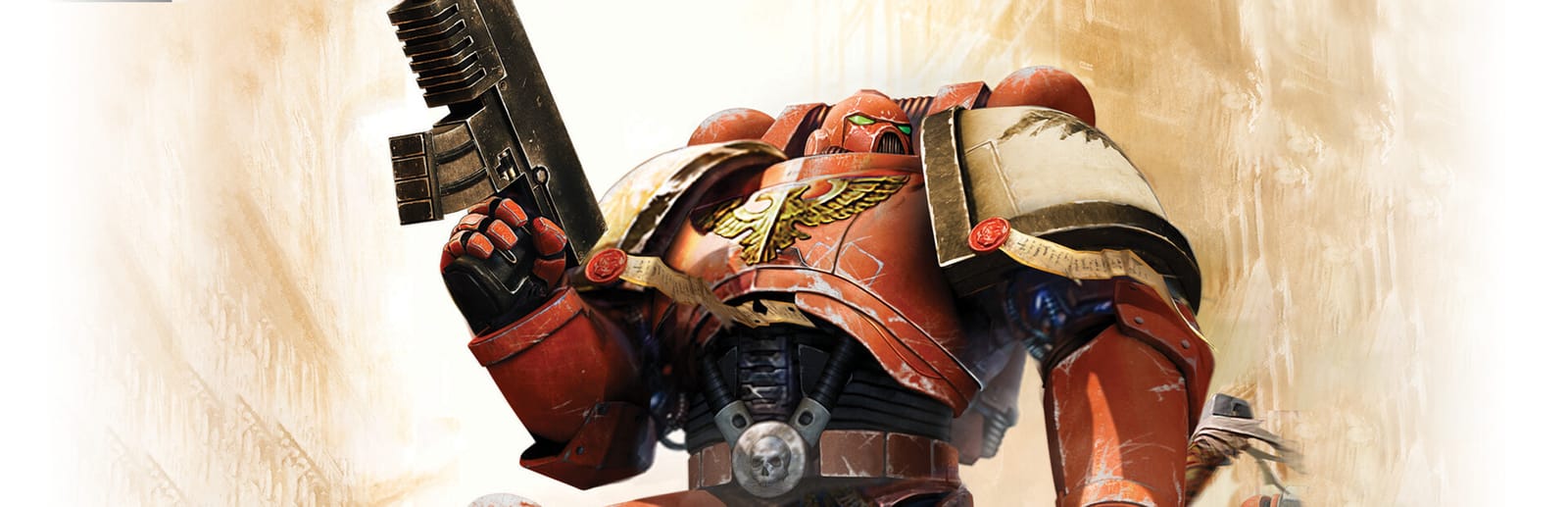
Cover art © its publisher — for identification only. Cover © its publisher. Details
Relic's 2009 sequel drops base building and hands you a few squads at a time. The number keys pick squads by their portrait order, starting with the Force Commander on 1. The right mouse button does the rest: move, attack, take cover in a building, secure a relay or revive a fallen hero. The rows below come from THQ's printed manual, which Steam serves for this edition, and from Feral's web manual and FAQ for the Mac port.
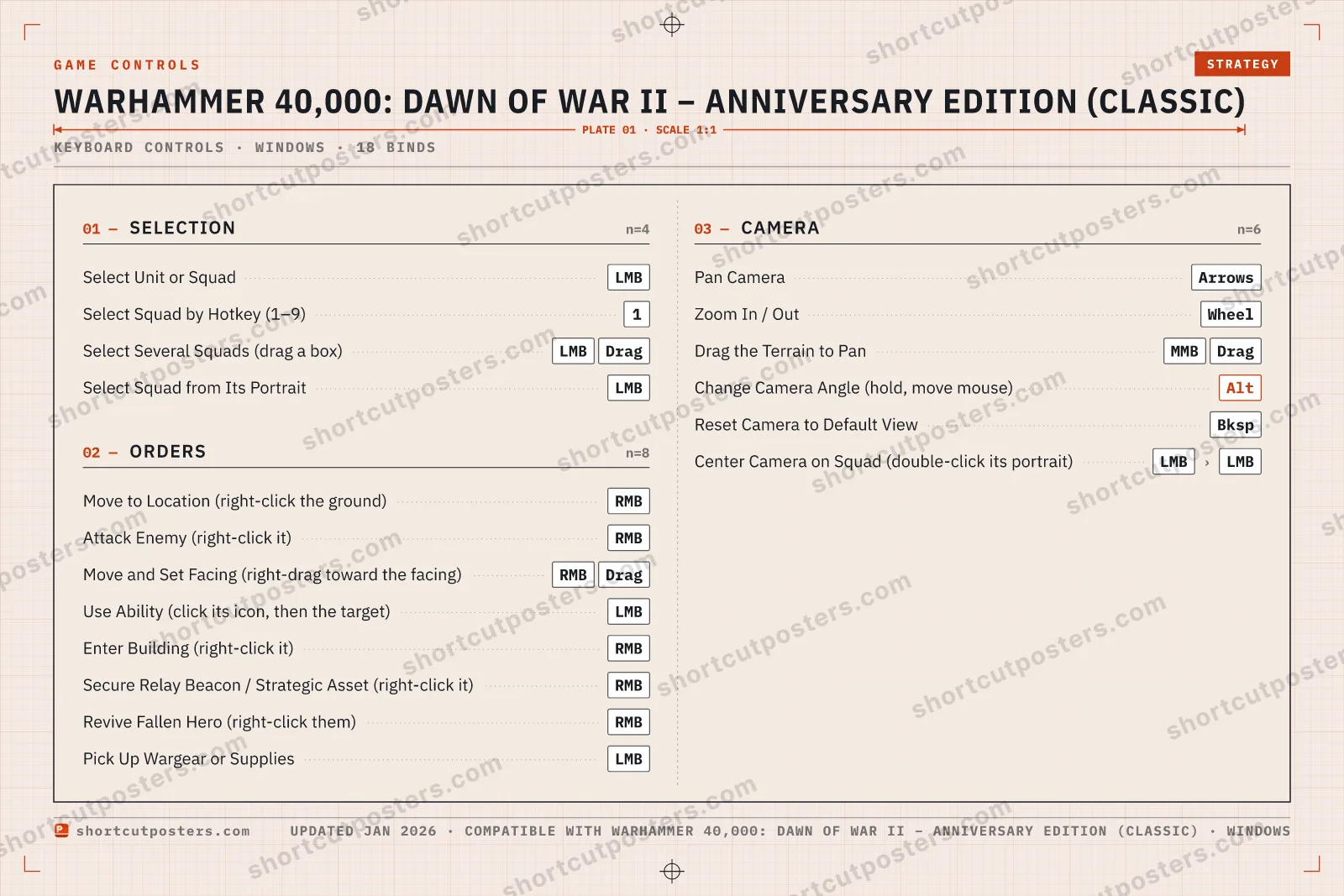
All Warhammer 40,000: Dawn of War II – Anniversary Edition (Classic) keyboard controls
Orders 8
| Action | Shortcut |
|---|---|
| Move to Location (right-click the ground) | RMB |
| Attack Enemy (right-click it) | RMB |
| Move and Set Facing (right-drag toward the facing) | RMBDrag |
| Use Ability (click its icon, then the target) | LMB |
| Enter Building (right-click it) | RMB |
| Secure Relay Beacon / Strategic Asset (right-click it) | RMB |
| Revive Fallen Hero (right-click them) | RMB |
| Pick Up Wargear or Supplies | LMB |
Camera 6
| Action | Shortcut |
|---|---|
| Pan Camera | Arrows |
| Zoom In / Out | Wheel |
| Drag the Terrain to Pan | MMBDrag |
| Change Camera Angle (hold, move mouse) | Alt |
| Reset Camera to Default View | Bksp |
| Center Camera on Squad (double-click its portrait) | LMBthenLMB |
Selection 4
| Action | Shortcut |
|---|---|
| Select Unit or Squad | LMB |
| Select Squad by Hotkey (1–9) | 1 |
| Select Several Squads (drag a box) | LMBDrag |
| Select Squad from Its Portrait | LMB |
Sourced from store.steampowered.com, shared.fastly.steamstatic.com, feralinteractive.com Last verified
+ 1 more control in the table below
+ 1 more control in the table below
19 default keybinds across 4 categories. Most can be reassigned in Warhammer 40,000: Dawn of War II – Anniversary Edition (Classic)'s control settings.
Unofficial reference. ShortcutPosters is not affiliated with, endorsed by, or sponsored by Warhammer 40,000: Dawn of War II – Anniversary Edition (Classic). All product names, logos, and trademarks are property of their respective owners. See our licensing & trademark notice.
Warhammer 40,000: Dawn of War II – Anniversary Edition (Classic), framed.
Every bind, razor-sharp.
Print-ready 36×24″ at 300 DPI. No watermark. Hang it, gift it, or turn it into a desk mat.
- Free preview
- 1600 px · watermarked
- Print-ready
- 10 800 px · frame quality
- Frame it36×24″, A1 or A2
- Desk matany print shop
- Gift itfor your duo or squad
Warhammer 40,000: Dawn of War II – Anniversary Edition (Classic) controls — FAQ
- What are the default controls for Warhammer 40,000: Dawn of War II – Anniversary Edition (Classic)?
- Warhammer 40,000: Dawn of War II – Anniversary Edition (Classic), a strategy game, uses 19 default keybinds across 4 categories. The complete, up-to-date list is free to read on this page.
- Can you remap Warhammer 40,000: Dawn of War II – Anniversary Edition (Classic) controls?
- Yes. These are the game's default bindings — nearly all of them can be reassigned from Warhammer 40,000: Dawn of War II – Anniversary Edition (Classic)'s in-game control or key-binding settings.
- Which platforms do these Warhammer 40,000: Dawn of War II – Anniversary Edition (Classic) controls cover?
- These keyboard controls apply on Windows and Mac. Most bindings are identical across platforms unless noted.
- Is this an official Warhammer 40,000: Dawn of War II – Anniversary Edition (Classic) resource?
- No. This is an unofficial reference and is not affiliated with or endorsed by Warhammer 40,000: Dawn of War II – Anniversary Edition (Classic) or its publisher. All trademarks belong to their respective owners.
Thanks — your feedback helps us improve.
Dawn of War collection
3 Dawn of War games in the catalogue, every control scheme free to read.
See all 3 Dawn of War games →