Tomb Raider: Underworld Keyboard & controller controls
- Windows
- 22 default keybinds
- ✓ Steam Deck ready
- Action →
- Tomb Raider collection →
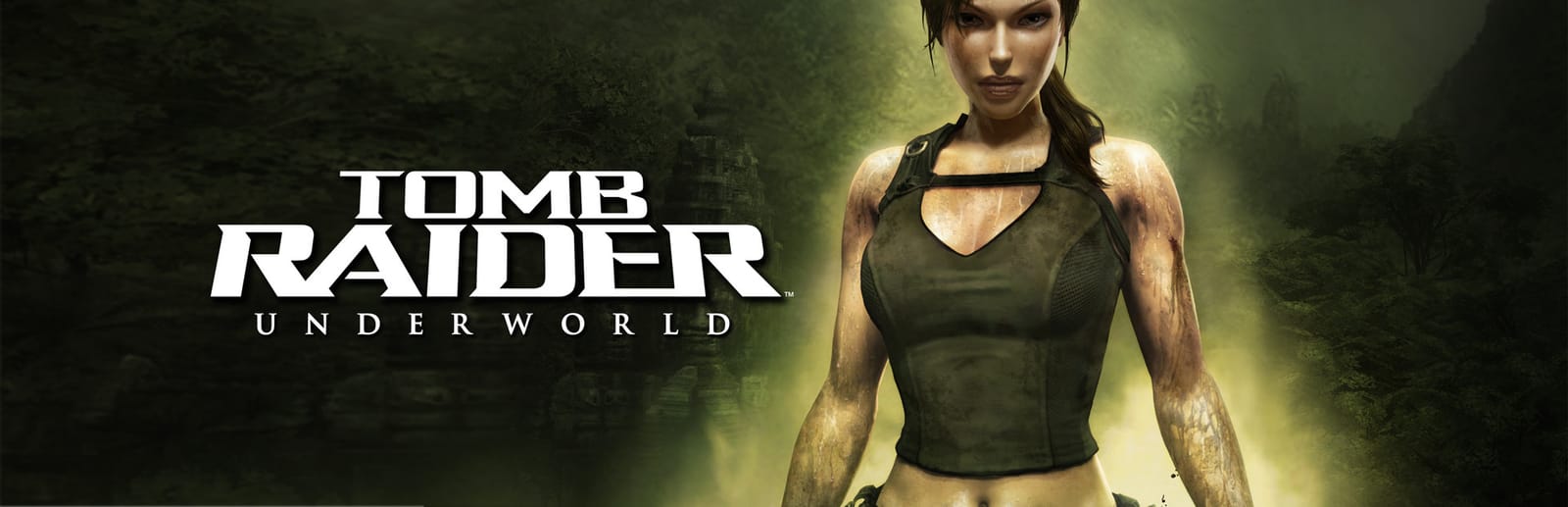
Cover art © its publisher — for identification only. Cover © its publisher. Details
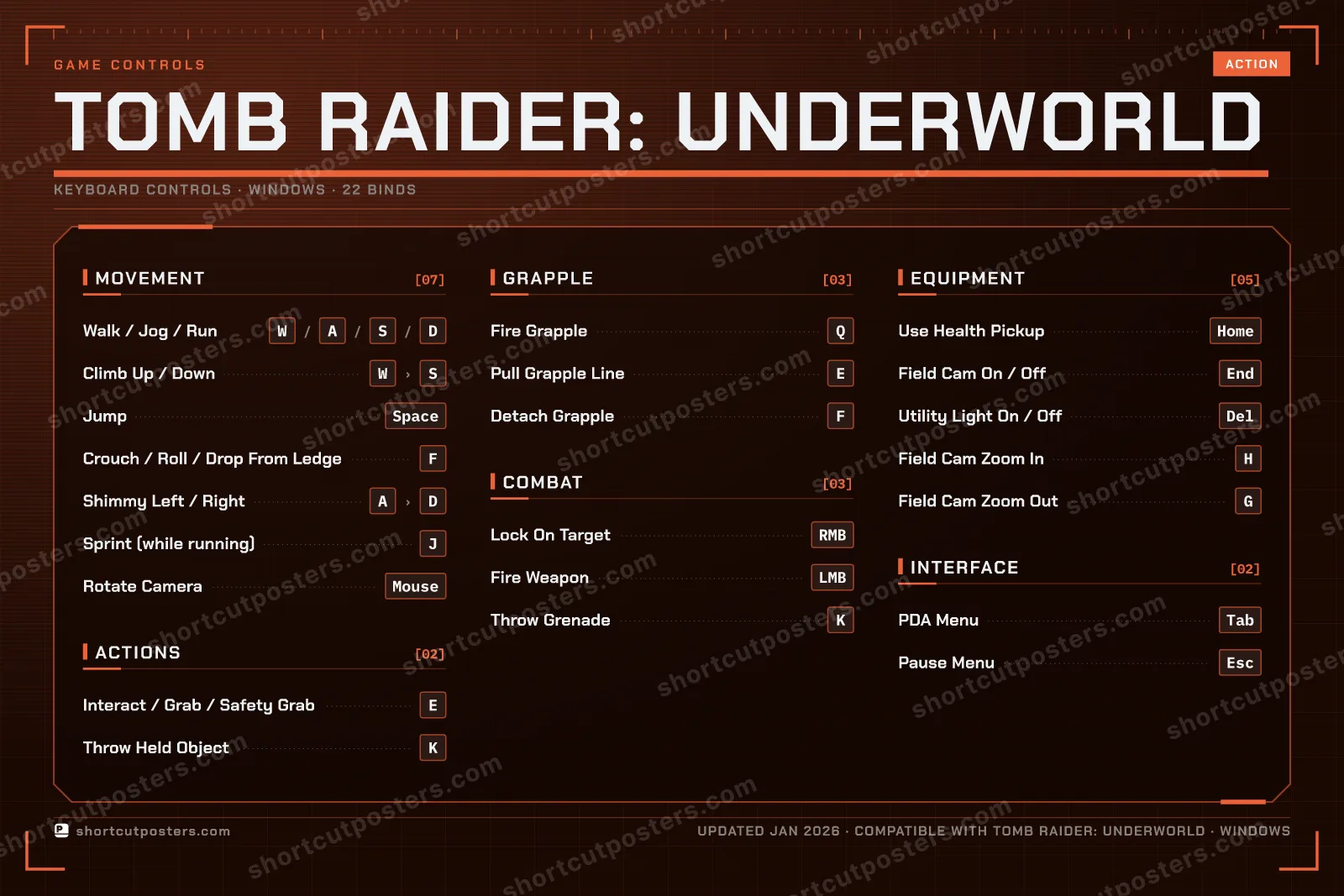
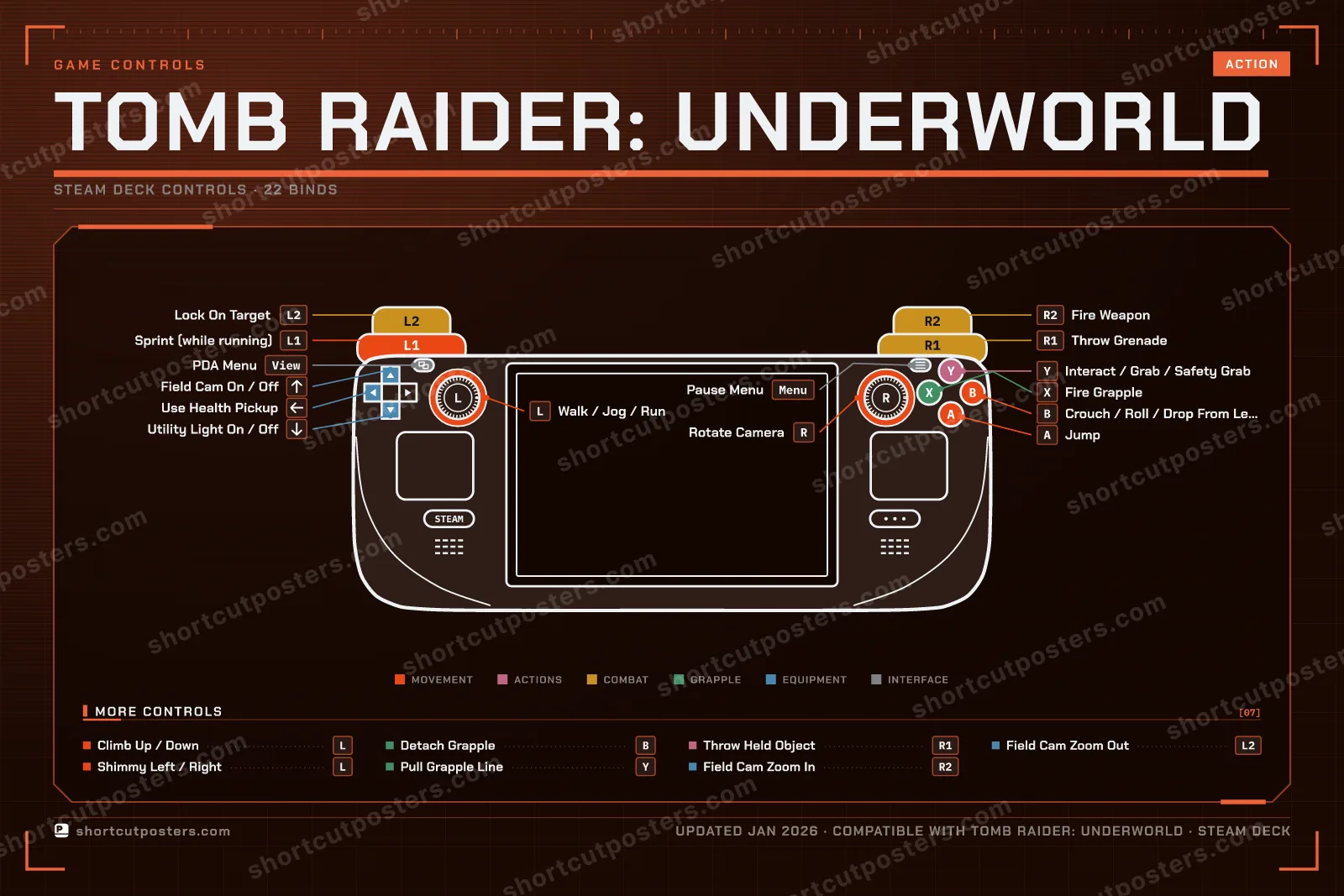
Underworld loads E with everything Lara does with her hands — pick up, pull a lever, grab a ledge, speed along a traverse — and gives the grapple its own trio on Q, E and F. Crystal Dynamics' manual prints the keyboard and the Xbox 360 pad side by side, so both columns are here.
All Tomb Raider: Underworld controls
Movement 7
| Action | Shortcut |
|---|---|
| Walk / Jog / Run | WthenAthenSthenD |
| Climb Up / Down | WthenS |
| Jump | Space |
| Crouch / Roll / Drop From Ledge | F |
| Shimmy Left / Right | AthenD |
| Sprint (while running) | J |
| Rotate Camera | Mouse |
Equipment 5
| Action | Shortcut |
|---|---|
| Use Health Pickup | Home |
| Field Cam On / Off | End |
| Utility Light On / Off | Del |
| Field Cam Zoom In | H |
| Field Cam Zoom Out | G |
Grapple 3
| Action | Shortcut |
|---|---|
| Fire Grapple | Q |
| Pull Grapple Line | E |
| Detach Grapple | F |
Combat 3
| Action | Shortcut |
|---|---|
| Lock On Target | RMB |
| Fire Weapon | LMB |
| Throw Grenade | K |
Actions 2
| Action | Shortcut |
|---|---|
| Interact / Grab / Safety Grab | E |
| Throw Held Object | K |
Interface 2
| Action | Shortcut |
|---|---|
| PDA Menu | Tab |
| Pause Menu | Esc |
Sourced from store.steampowered.com, shared.fastly.steamstatic.com Last verified
+ 4 more controls in the table below
+ 4 more controls in the table below
Movement 7
| Action | Steam Deck |
|---|---|
| Walk / Jog / Run | L-Stick |
| Climb Up / Down | L-Stick |
| Jump | A |
| Crouch / Roll / Drop From Ledge | B |
| Shimmy Left / Right | L-Stick |
| Sprint (while running) | L1 |
| Rotate Camera | R-Stick |
Equipment 5
| Action | Steam Deck |
|---|---|
| Use Health Pickup | D-Pad ← |
| Field Cam On / Off | D-Pad ↑ |
| Utility Light On / Off | D-Pad ↓ |
| Field Cam Zoom In | R2 |
| Field Cam Zoom Out | L2 |
Grapple 3
| Action | Steam Deck |
|---|---|
| Fire Grapple | X |
| Pull Grapple Line | Y |
| Detach Grapple | B |
Combat 3
| Action | Steam Deck |
|---|---|
| Lock On Target | L2 |
| Fire Weapon | R2 |
| Throw Grenade | R1 |
Actions 2
| Action | Steam Deck |
|---|---|
| Interact / Grab / Safety Grab | Y |
| Throw Held Object | R1 |
Interface 2
| Action | Steam Deck |
|---|---|
| PDA Menu | View |
| Pause Menu | Menu |
Sourced from store.steampowered.com, shared.fastly.steamstatic.com Last verified
22 default keybinds across 6 categories. Most can be reassigned in Tomb Raider: Underworld's control settings. Switch to Gamepad to see the Steam Deck buttons.
Unofficial reference. ShortcutPosters is not affiliated with, endorsed by, or sponsored by Tomb Raider: Underworld. All product names, logos, and trademarks are property of their respective owners. See our licensing & trademark notice.
Tomb Raider: Underworld, framed.
Every bind, razor-sharp.
Print-ready 36×24″ at 300 DPI. No watermark. Hang it, gift it, or turn it into a desk mat.
One file: the keyboard poster and the Steam Deck controller poster.
- Free preview
- 1600 px · watermarked
- Print-ready
- 10 800 px · frame quality
- Frame it36×24″, A1 or A2
- Desk matany print shop
- Gift itfor your duo or squad
Tomb Raider: Underworld controls — FAQ
- What are the default controls for Tomb Raider: Underworld?
- Tomb Raider: Underworld, a action game, uses 22 default keybinds across 6 categories — on keyboard and controller. The complete, up-to-date list is free to read on this page.
- Can you remap Tomb Raider: Underworld controls?
- Yes. These are the game's default bindings — nearly all of them can be reassigned from Tomb Raider: Underworld's in-game control or key-binding settings.
- Does Tomb Raider: Underworld support a controller?
- Yes — Tomb Raider: Underworld has full gamepad support. The Steam Deck button map is shown on this page alongside the keyboard controls.
- Which platforms do these Tomb Raider: Underworld controls cover?
- These keyboard controls apply on Windows. Most bindings are identical across platforms unless noted.
- Is this an official Tomb Raider: Underworld resource?
- No. This is an unofficial reference and is not affiliated with or endorsed by Tomb Raider: Underworld or its publisher. All trademarks belong to their respective owners.
Thanks — your feedback helps us improve.
Tomb Raider collection
8 Tomb Raider games in the catalogue, every control scheme free to read.
See all 8 Tomb Raider games →