Ninja Gaiden 2 Black Keyboard & controller controls
- Windows
- 30 default keybinds
- ✓ Steam Deck ready
- Action →
- Ninja Gaiden collection →
Cover art © its publisher — for identification only. Cover © its publisher. Details
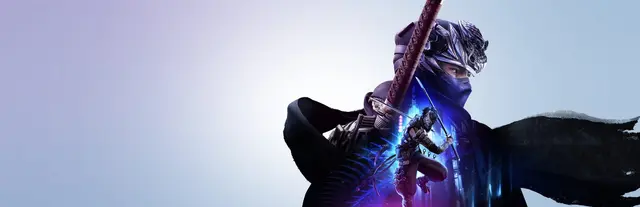
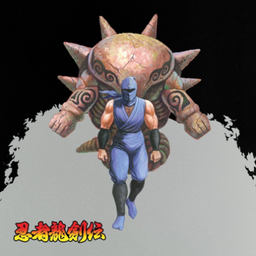
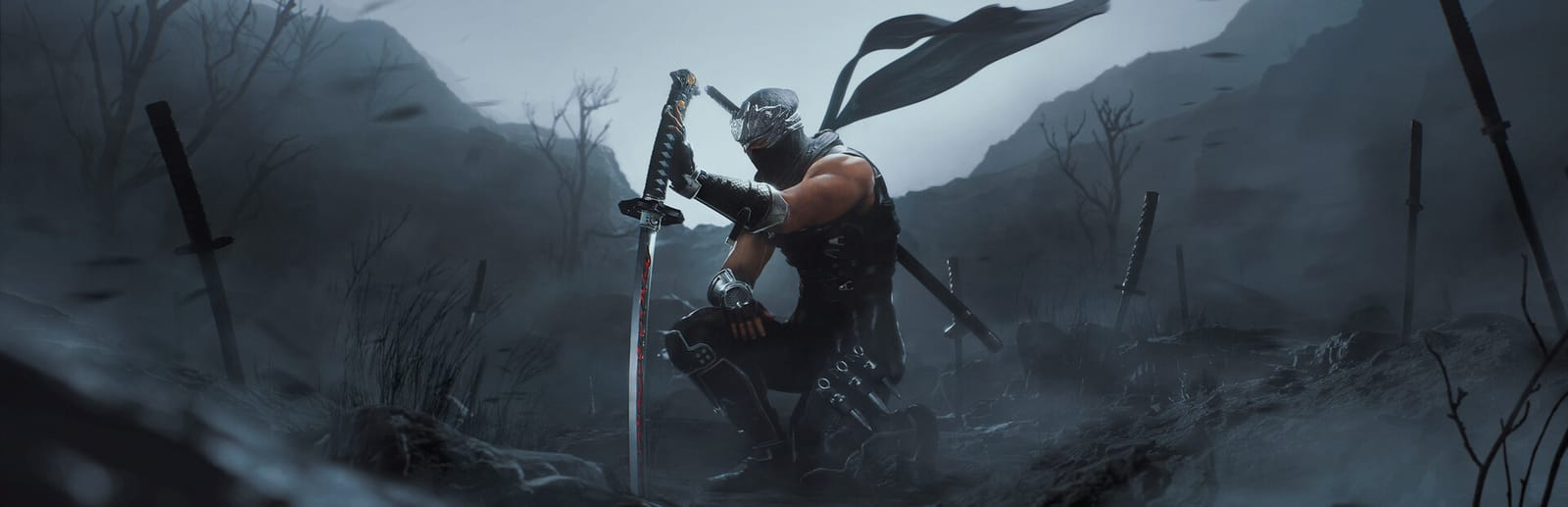
Ninja Gaiden 2 Black is Team Ninja's Unreal Engine 5 remaster of the 2008 hack-and-slash, with Ryu Hayabusa carving through fiends at full speed. Combat leans on a block button held as a modifier for dodges, counters and wall runs; these are the default keyboard/mouse and Xbox controller bindings from Koei Tecmo's online manual.
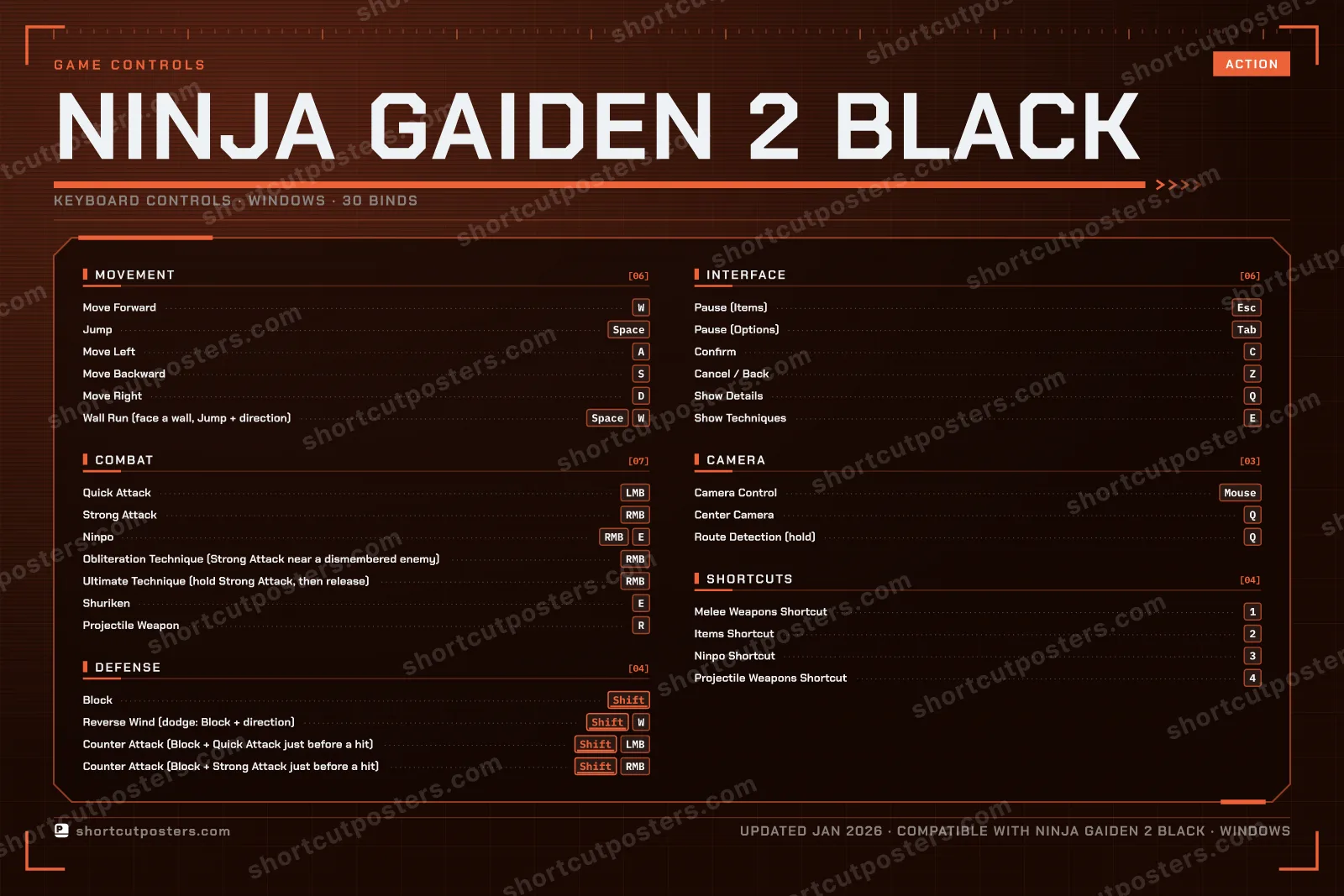
All Ninja Gaiden 2 Black controls
30 shortcuts
Combat 7
| Action | Shortcut |
|---|---|
| Quick Attack | LMB |
| Strong Attack | RMB |
| Ninpo | RMBE |
| Obliteration Technique (Strong Attack near a dismembered enemy) | RMB |
| Ultimate Technique (hold Strong Attack, then release) | RMB |
| Shuriken | E |
| Projectile Weapon | R |
Movement 6
| Action | Shortcut |
|---|---|
| Move Forward | W |
| Jump | Space |
| Move Left | A |
| Move Backward | S |
| Move Right | D |
| Wall Run (face a wall, Jump + direction) | SpaceW |
Interface 6
| Action | Shortcut |
|---|---|
| Pause (Items) | Esc |
| Pause (Options) | Tab |
| Confirm | C |
| Cancel / Back | Z |
| Show Details | Q |
| Show Techniques | E |
Defense 4
| Action | Shortcut |
|---|---|
| Block | Shift |
| Reverse Wind (dodge: Block + direction) | ShiftW |
| Counter Attack (Block + Quick Attack just before a hit) | ShiftLMB |
| Counter Attack (Block + Strong Attack just before a hit) | ShiftRMB |
Shortcuts 4
| Action | Shortcut |
|---|---|
| Melee Weapons Shortcut | 1 |
| Items Shortcut | 2 |
| Ninpo Shortcut | 3 |
| Projectile Weapons Shortcut | 4 |
Camera 3
| Action | Shortcut |
|---|---|
| Camera Control | Mouse |
| Center Camera | Q |
| Route Detection (hold) | Q |
Sourced from gamecity.ne.jp Last verified
+ 1 more control in the table below
+ 1 more control in the table below
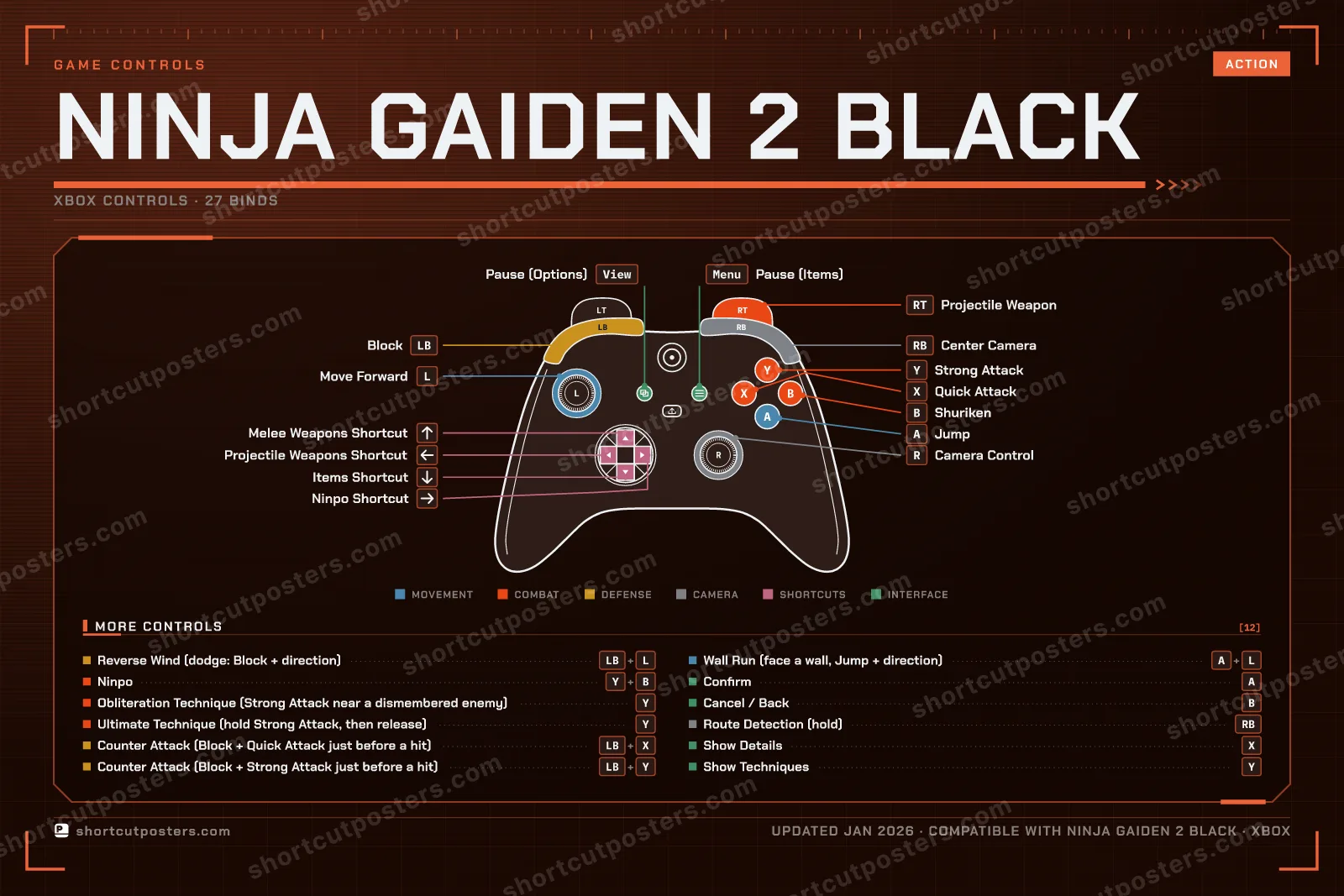
27 shortcuts
Combat 7
| Action | XboxPlayStationSteam Deck |
|---|---|
| Quick Attack | X■X |
| Strong Attack | Y▲Y |
| Ninpo | Y▲YB●B |
| Obliteration Technique (Strong Attack near a dismembered enemy) | Y▲Y |
| Ultimate Technique (hold Strong Attack, then release) | Y▲Y |
| Shuriken | B●B |
| Projectile Weapon | RTR2R2 |
Movement 3
| Action | XboxPlayStationSteam Deck |
|---|---|
| Move Forward | L-Stick |
| Jump | A✕A |
| Wall Run (face a wall, Jump + direction) | A✕AL-Stick |
Interface 6
| Action | XboxPlayStationSteam Deck |
|---|---|
| Pause (Items) | MenuOptionsMenu |
| Pause (Options) | ViewShareView |
| Confirm | A✕A |
| Cancel / Back | B●B |
| Show Details | X■X |
| Show Techniques | Y▲Y |
Defense 4
| Action | XboxPlayStationSteam Deck |
|---|---|
| Block | LBL1L1 |
| Reverse Wind (dodge: Block + direction) | LBL1L1L-Stick |
| Counter Attack (Block + Quick Attack just before a hit) | LBL1L1X■X |
| Counter Attack (Block + Strong Attack just before a hit) | LBL1L1Y▲Y |
Shortcuts 4
| Action | XboxPlayStationSteam Deck |
|---|---|
| Melee Weapons Shortcut | D-Pad ↑ |
| Items Shortcut | D-Pad ↓ |
| Ninpo Shortcut | D-Pad → |
| Projectile Weapons Shortcut | D-Pad ← |
Camera 3
| Action | XboxPlayStationSteam Deck |
|---|---|
| Camera Control | R-Stick |
| Center Camera | RBR1R1 |
| Route Detection (hold) | RBR1R1 |
Sourced from gamecity.ne.jp Last verified
30 default keybinds across 6 categories. Most can be reassigned in Ninja Gaiden 2 Black's control settings. Switch to Gamepad to see Xbox, PlayStation and Steam Deck buttons side by side.
Unofficial reference. ShortcutPosters is not affiliated with, endorsed by, or sponsored by Ninja Gaiden 2 Black. All product names, logos, and trademarks are property of their respective owners. See our licensing & trademark notice.
Ninja Gaiden 2 Black, framed.
Every bind, razor-sharp.
Print-ready 36×24″ at 300 DPI. No watermark. Hang it, gift it, or turn it into a desk mat.
One file: the keyboard poster and the Xbox, PlayStation and Steam Deck controller posters.
- Free preview
- 1600 px · watermarked
- Print-ready
- 10 800 px · frame quality
- Frame it36×24″, A1 or A2
- Desk matany print shop
- Gift itfor your duo or squad
Ninja Gaiden 2 Black controls — FAQ
- What are the default controls for Ninja Gaiden 2 Black?
- Ninja Gaiden 2 Black, a action game, uses 30 default keybinds across 6 categories — on keyboard and controller. The complete, up-to-date list is free to read on this page.
- Can you remap Ninja Gaiden 2 Black controls?
- Yes. These are the game's default bindings — nearly all of them can be reassigned from Ninja Gaiden 2 Black's in-game control or key-binding settings.
- Does Ninja Gaiden 2 Black support a controller?
- Yes — Ninja Gaiden 2 Black has full gamepad support. The Xbox, PlayStation and Steam Deck button maps are shown on this page alongside the keyboard controls.
- Which platforms do these Ninja Gaiden 2 Black controls cover?
- These keyboard controls apply on Windows. Ninja Gaiden 2 Black also released on Xbox and PlayStation, and this page carries those controller bindings too. Most bindings are identical across platforms unless noted.
- Is this an official Ninja Gaiden 2 Black resource?
- No. This is an unofficial reference and is not affiliated with or endorsed by Ninja Gaiden 2 Black or its publisher. All trademarks belong to their respective owners.
Thanks — your feedback helps us improve.
Ninja Gaiden collection
7 Ninja Gaiden games in the catalogue, every control scheme free to read.
See all 7 Ninja Gaiden games →