Batman: Arkham Knight Keyboard controls
- Windows
- 45 default keybinds
- Action →
- Batman: Arkham collection →
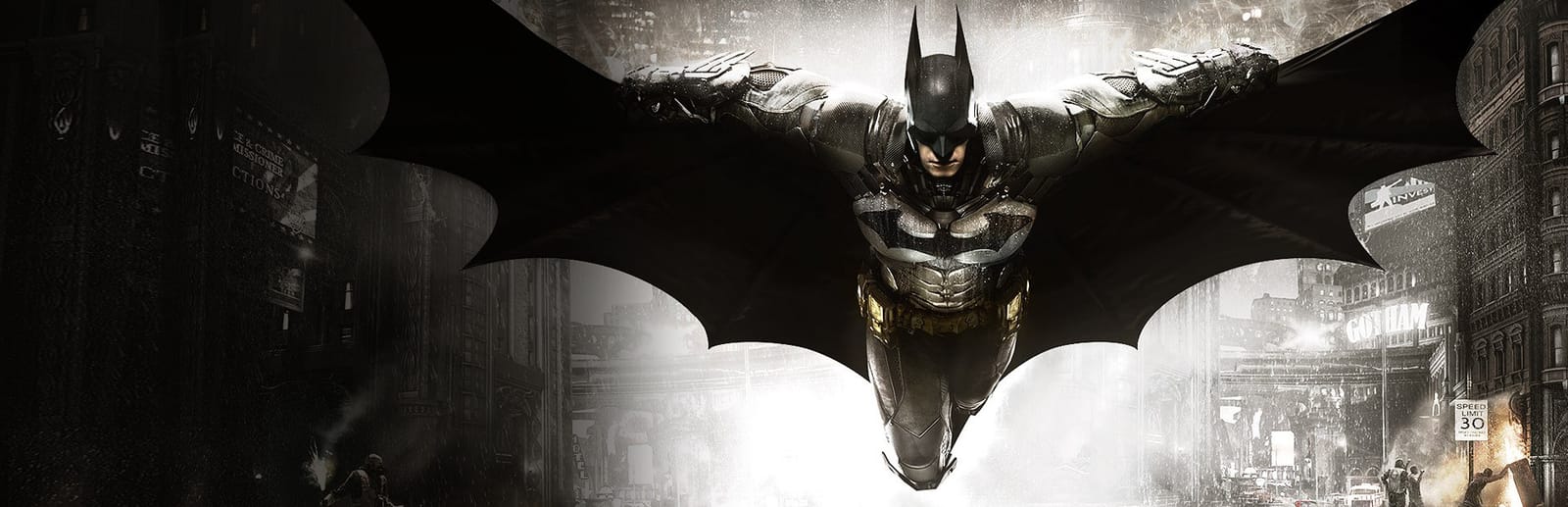
Cover art © its publisher — for identification only. Cover © its publisher. Details
Batman: Arkham Knight is the 2015 open-world action game by Rocksteady Studios, published by WB Games, and the final entry in the Arkham series. These are the default PC keyboard and mouse bindings from the game's official instruction manual, covering free-flow combat, Predator stealth takedowns, gadgets, and the Batmobile in both Pursuit and Battle Mode.
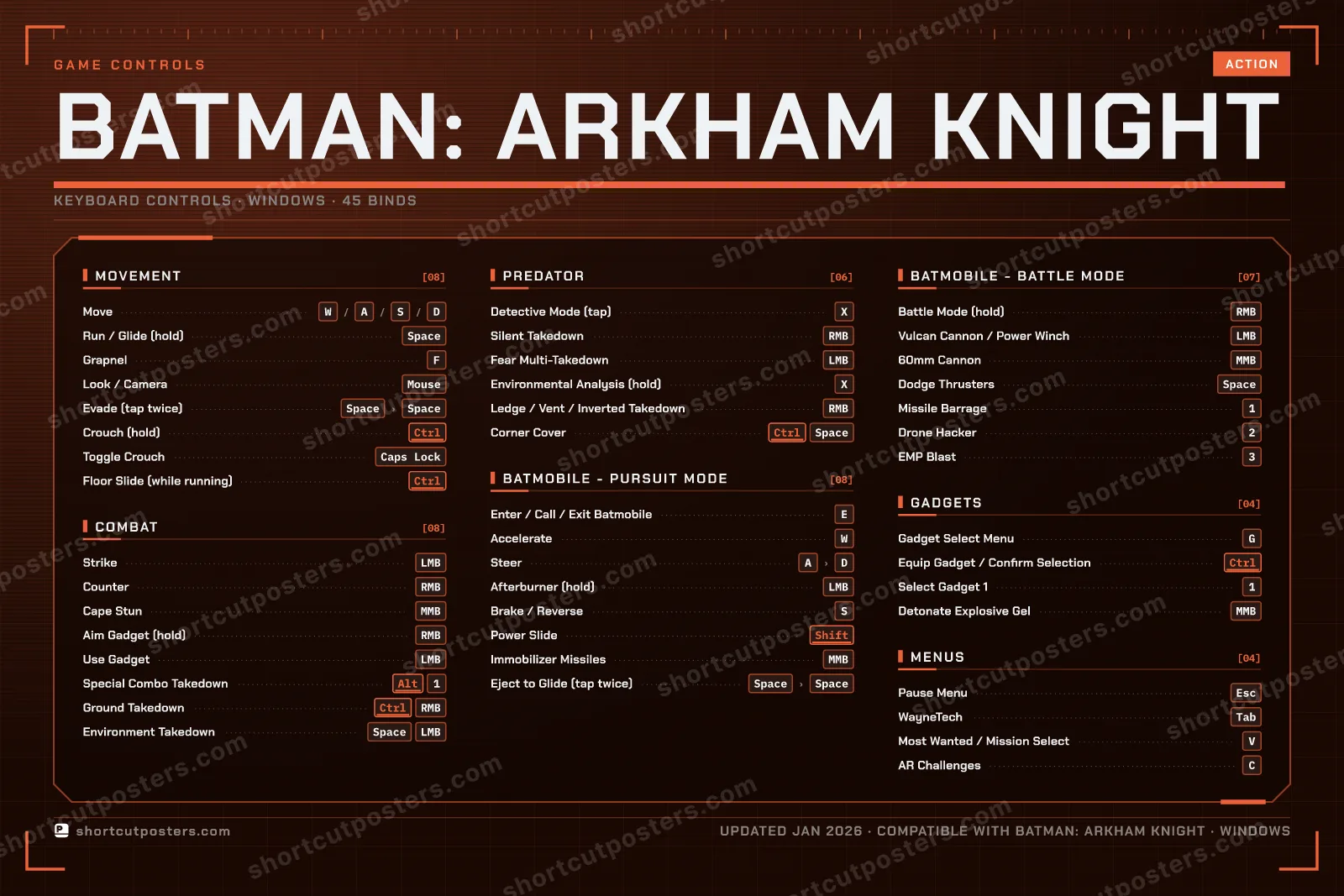
All Batman: Arkham Knight keyboard controls
45 shortcuts
Movement 8
| Action | Shortcut |
|---|---|
| Move | WthenAthenSthenD |
| Run / Glide (hold) | Space |
| Grapnel | F |
| Look / Camera | Mouse |
| Evade (tap twice) | SpacethenSpace |
| Crouch (hold) | Ctrl |
| Toggle Crouch | Caps Lock |
| Floor Slide (while running) | Ctrl |
Combat 8
| Action | Shortcut |
|---|---|
| Strike | LMB |
| Counter | RMB |
| Cape Stun | MMB |
| Aim Gadget (hold) | RMB |
| Use Gadget | LMB |
| Special Combo Takedown | Alt1 |
| Ground Takedown | CtrlRMB |
| Environment Takedown | SpaceLMB |
Batmobile - Pursuit Mode 8
| Action | Shortcut |
|---|---|
| Enter / Call / Exit Batmobile | E |
| Accelerate | W |
| Steer | AthenD |
| Afterburner (hold) | LMB |
| Brake / Reverse | S |
| Power Slide | Shift |
| Immobilizer Missiles | MMB |
| Eject to Glide (tap twice) | SpacethenSpace |
Batmobile - Battle Mode 7
| Action | Shortcut |
|---|---|
| Battle Mode (hold) | RMB |
| Vulcan Cannon / Power Winch | LMB |
| 60mm Cannon | MMB |
| Dodge Thrusters | Space |
| Missile Barrage | 1 |
| Drone Hacker | 2 |
| EMP Blast | 3 |
Predator 6
| Action | Shortcut |
|---|---|
| Detective Mode (tap) | X |
| Silent Takedown | RMB |
| Fear Multi-Takedown | LMB |
| Environmental Analysis (hold) | X |
| Ledge / Vent / Inverted Takedown | RMB |
| Corner Cover | CtrlSpace |
Gadgets 4
| Action | Shortcut |
|---|---|
| Gadget Select Menu | G |
| Equip Gadget / Confirm Selection | Ctrl |
| Select Gadget 1 | 1 |
| Detonate Explosive Gel | MMB |
Menus 4
| Action | Shortcut |
|---|---|
| Pause Menu | Esc |
| WayneTech | Tab |
| Most Wanted / Mission Select | V |
| AR Challenges | C |
Sourced from store.steampowered.com, shared.fastly.steamstatic.com Last verified
+ 1 more control in the table below
+ 1 more control in the table below
45 default keybinds across 7 categories. Most can be reassigned in Batman: Arkham Knight's control settings.
Unofficial reference. ShortcutPosters is not affiliated with, endorsed by, or sponsored by Batman: Arkham Knight. All product names, logos, and trademarks are property of their respective owners. See our licensing & trademark notice.
Batman: Arkham Knight, framed.
Every bind, razor-sharp.
Print-ready 36×24″ at 300 DPI. No watermark. Hang it, gift it, or turn it into a desk mat.
- Free preview
- 1600 px · watermarked
- Print-ready
- 10 800 px · frame quality
- Frame it36×24″, A1 or A2
- Desk matany print shop
- Gift itfor your duo or squad
Batman: Arkham Knight controls — FAQ
- What are the default controls for Batman: Arkham Knight?
- Batman: Arkham Knight, a action game, uses 45 default keybinds across 7 categories. The complete, up-to-date list is free to read on this page.
- Can you remap Batman: Arkham Knight controls?
- Yes. These are the game's default bindings — nearly all of them can be reassigned from Batman: Arkham Knight's in-game control or key-binding settings.
- Which platforms do these Batman: Arkham Knight controls cover?
- These keyboard controls apply on Windows. Most bindings are identical across platforms unless noted.
- Is this an official Batman: Arkham Knight resource?
- No. This is an unofficial reference and is not affiliated with or endorsed by Batman: Arkham Knight or its publisher. All trademarks belong to their respective owners.
Thanks — your feedback helps us improve.
Batman: Arkham collection
4 Batman: Arkham games in the catalogue, every control scheme free to read.
See all 4 Batman: Arkham games →