Arma 2 Keyboard controls
- Windows
- 46 default keybinds
- Shooter →
- ARMA collection →
Cover art © its publisher — for identification only. Cover © its publisher. Details
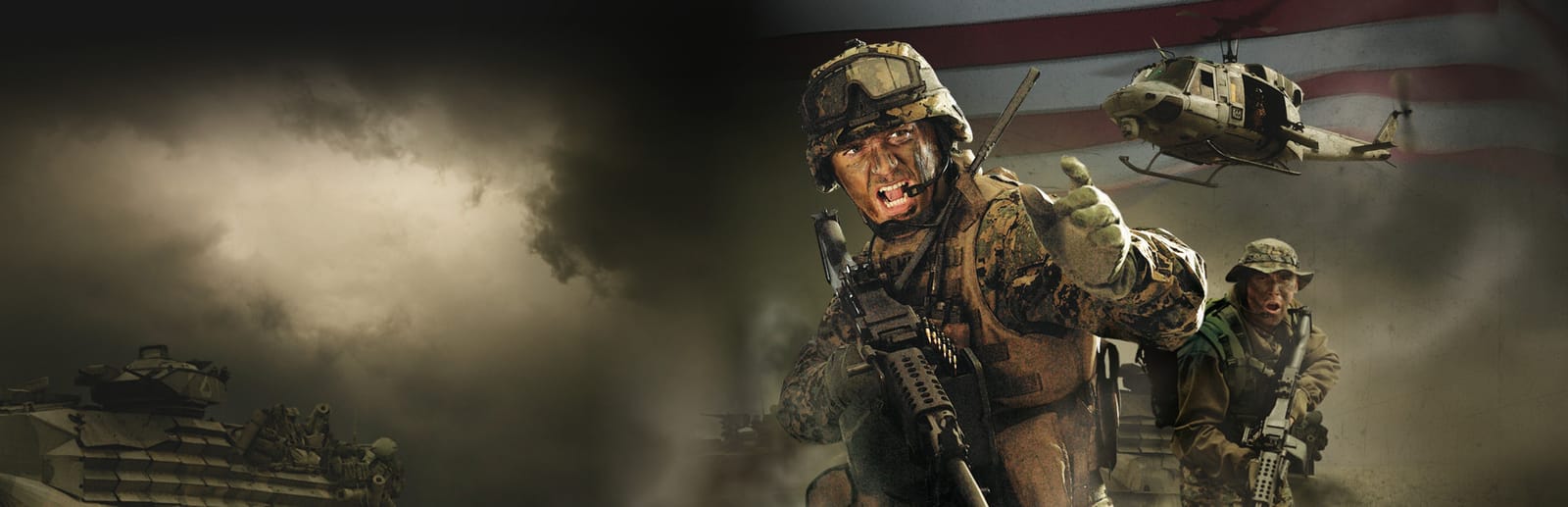
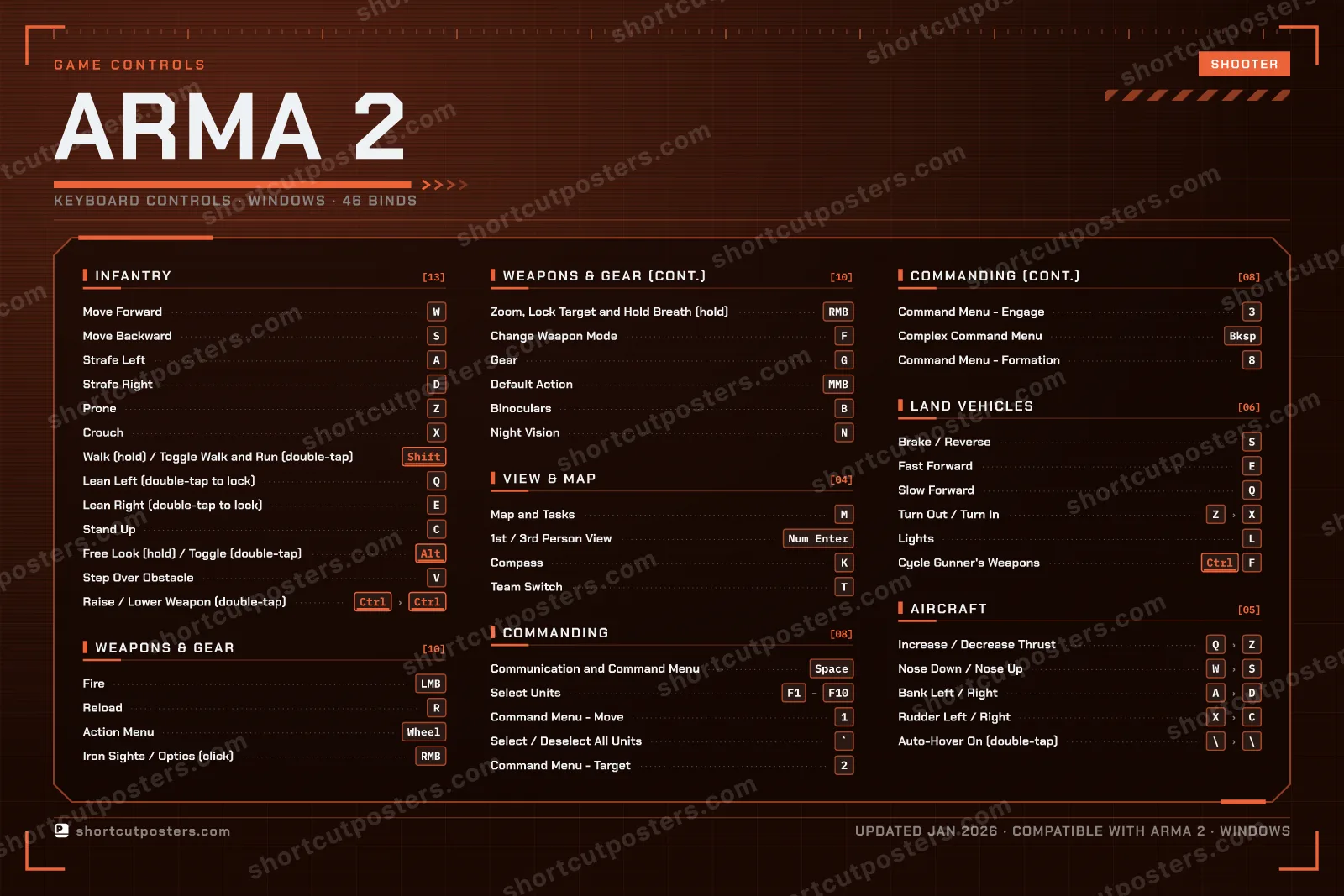
Arma 2 drops you into the fictional republic of Chernarus as a Force Recon marine, and most of its depth sits on the keyboard: three stances on Z, X and C, leaning on Q and E, and a numbered command menu for running an AI squad. Many keys do double duty, since a double tap toggles what a hold does briefly, and the same letters take new jobs once you are driving or flying.
All Arma 2 keyboard controls
46 shortcuts
Infantry 13
| Action | Shortcut |
|---|---|
| Move Forward | W |
| Move Backward | S |
| Strafe Left | A |
| Strafe Right | D |
| Prone | Z |
| Crouch | X |
| Walk (hold) / Toggle Walk and Run (double-tap) | Shift |
| Lean Left (double-tap to lock) | Q |
| Lean Right (double-tap to lock) | E |
| Stand Up | C |
| Free Look (hold) / Toggle (double-tap) | Alt |
| Step Over Obstacle | V |
| Raise / Lower Weapon (double-tap) | CtrlthenCtrl |
Weapons & Gear 10
| Action | Shortcut |
|---|---|
| Fire | LMB |
| Reload | R |
| Action Menu | Wheel |
| Iron Sights / Optics (click) | RMB |
| Zoom, Lock Target and Hold Breath (hold) | RMB |
| Change Weapon Mode | F |
| Gear | G |
| Default Action | MMB |
| Binoculars | B |
| Night Vision | N |
Commanding 8
| Action | Shortcut |
|---|---|
| Communication and Command Menu | Space |
| Select Units | F1thenF2thenF3thenF4thenF5thenF6thenF7thenF8thenF9thenF10 |
| Command Menu - Move | 1 |
| Select / Deselect All Units | ` |
| Command Menu - Target | 2 |
| Command Menu - Engage | 3 |
| Complex Command Menu | Bksp |
| Command Menu - Formation | 8 |
Land Vehicles 6
| Action | Shortcut |
|---|---|
| Brake / Reverse | S |
| Fast Forward | E |
| Slow Forward | Q |
| Turn Out / Turn In | ZthenX |
| Lights | L |
| Cycle Gunner's Weapons | CtrlF |
Aircraft 5
| Action | Shortcut |
|---|---|
| Increase / Decrease Thrust | QthenZ |
| Nose Down / Nose Up | WthenS |
| Bank Left / Right | AthenD |
| Rudder Left / Right | XthenC |
| Auto-Hover On (double-tap) | \then\ |
View & Map 4
| Action | Shortcut |
|---|---|
| Map and Tasks | M |
| 1st / 3rd Person View | Num Enter |
| Compass | K |
| Team Switch | T |
Sourced from store.steampowered.com, shared.fastly.steamstatic.com Last verified
+ 1 more control in the table below
+ 1 more control in the table below
46 default keybinds across 6 categories. Most can be reassigned in Arma 2's control settings.
Unofficial reference. ShortcutPosters is not affiliated with, endorsed by, or sponsored by Arma 2. All product names, logos, and trademarks are property of their respective owners. See our licensing & trademark notice.
Arma 2, framed.
Every bind, razor-sharp.
Print-ready 36×24″ at 300 DPI. No watermark. Hang it, gift it, or turn it into a desk mat.
- Free preview
- 1600 px · watermarked
- Print-ready
- 10 800 px · frame quality
- Frame it36×24″, A1 or A2
- Desk matany print shop
- Gift itfor your duo or squad
Arma 2 controls — FAQ
- What are the default controls for Arma 2?
- Arma 2, a shooter game, uses 46 default keybinds across 6 categories. The complete, up-to-date list is free to read on this page.
- Can you remap Arma 2 controls?
- Yes. These are the game's default bindings — nearly all of them can be reassigned from Arma 2's in-game control or key-binding settings.
- Which platforms do these Arma 2 controls cover?
- These keyboard controls apply on Windows. Most bindings are identical across platforms unless noted.
- Is this an official Arma 2 resource?
- No. This is an unofficial reference and is not affiliated with or endorsed by Arma 2 or its publisher. All trademarks belong to their respective owners.
Thanks — your feedback helps us improve.
ARMA collection
4 ARMA games in the catalogue, every control scheme free to read.
See all 4 ARMA games →